MR_KIM
New Member
-
Joined
-
Last visited
-
Trying to update the software in my LCX-27C but can’t get the unit to recognize the three update files on the SD card I downloaded them to. I can see the files when the card is inserted in my PC. The three update files are: Phantom_2.ldr 62KB Tiger_v250t.bin 2,766KB Update.lop 1KB Lowrance says the update files will automatically load after inserting the card and then powering the unit up. Not happening. When I tab to the “browse files” menu selection, the prompt says no “MMC CARDS READY.” However, the unit does recognize, reads and loads files from my Hot Spots MMC card. Are there special or particular menu commands that I must enter to enable the LCX-27C unit to recognize, read and load files on an SD card? Thanks
-
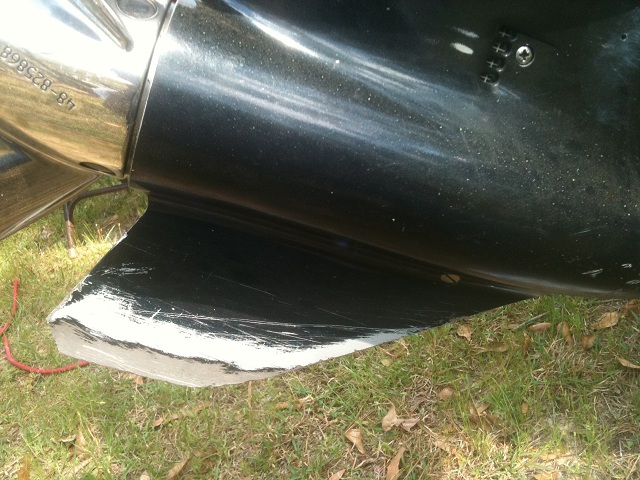
Need help locating a [manufacture/part number] skeg protector for a 2003 Evinrude 225 H.O. Bombardier FICHT engine. Tip of the skeg recently broke off. My engine type is not listed on the Megaware (keelguard) web site, and I've spoken with the folk at Skeggard, and because of something to do with cavitations issues they don't provide products for High Output engines. I've attached a picture of the damaged skeg and any help would be appreciated.