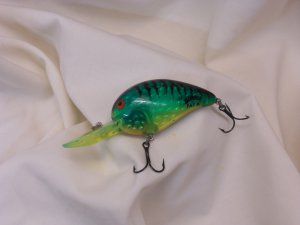
Hated losing this Bill Dance Fat A last week. The log it was stuck in was just a bit too deep, and there was a huge water moccasin lurking...
45 replies
1
Important Information
We have placed cookies on your device to help make this website better. You can adjust your cookie settings, otherwise we'll assume you're okay to continue.