TimTheWiner
New Member
-
Joined
-
Last visited
Everything posted by TimTheWiner
-
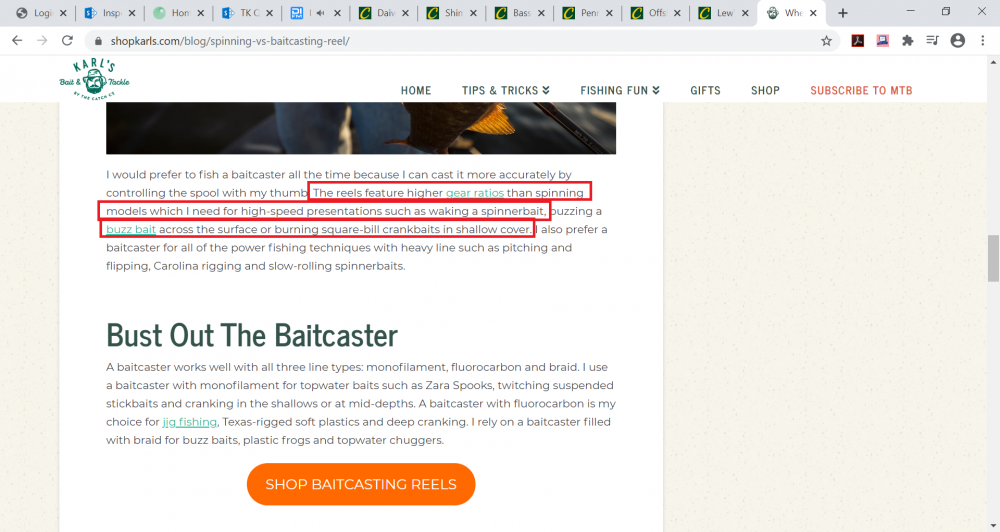
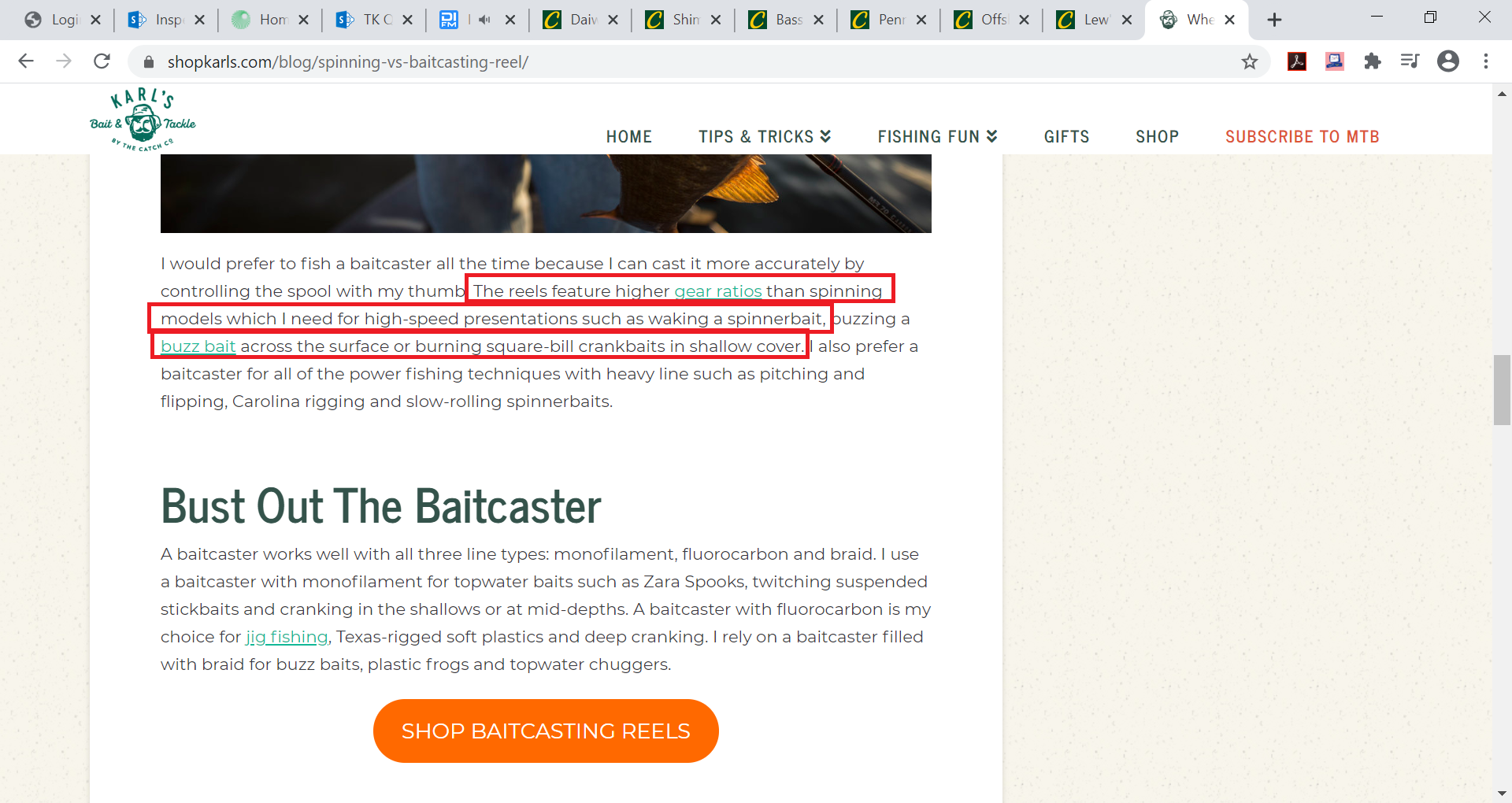
Good afternoon gentleman. I am seeking a bit of clarification on something. A "liesurely" amateur bass fisherman for 15 years on and off, I've grown up and become accustomed to using a spinning reel. My good friend who always has the best of the best is utilizing a $200 and I'm always in awe at the sick retrieval speed when it's need to clear weeds from the lure from a bad cast, or get some good speed on a top water buzzbait. He is trying to "convert" me to the realm of baitcast from spinning, but I don't know that I'm 100% sold and certainly fear of the time it will take to become a master so I'm not nesting every cast. Getting to the point I guess, is I know a lot of it is preference and certain types of bait each type is better, but from what I've read even though a spinning reel often has a lower gear ratio, the spool is much wider diameter (especially when full of line) and thus when looks at stats of "inches of retrieve per revolution" it actually appears that most spinning reels offer a longer distance retrieve than a baitcaster with even a slightly higher gear ratio. Isn't this spec directly correlated with retrieval speed? For instance, I am looking at a 6.1:1 spinning reel at Cabela's that states 39" retrieval per revolution, vs a similar baitcast reel that may be a 7.1:1 ratio might be 34" retrieval per revolution. Further confusing me is the box in the screenshot below. I know my bait type should be dictated by the time of year, conditions, etc. however I find myself using top waters, buzz baits, frogs and "jerk" baits 90% of the time with decent enough success. Haven't using rat-l-traps, deep divers, jigs or a spinners for a while. Any insight is greatly appreciated. I'm going rod and reel shopping tomorrow to upgrade by aging equipment.