brobille
New Member
-
Joined
-
Last visited
-
No rain here for the past week, let me check to see if I have some deeper images yganks Team9
-
Good advice Team9 thanks Team9 This lake does develop a thermocline when the water reaches these temperature. But nothing grows below the thermocline. I had an anchor out for some months and the rope was covered with algae (phytoplankton to be exact, the lake is fertilized). Below the thermocline the rope was like brand new. Why would the image be fuzzy below the thermocline where there is no plankton there?
-
Kicker, thanks for your reply. Yes, there is 17 feet of water also. I got the same type images for that water as well, but it also has 25 years of silt built up. Originally it was 19 feet at the over flow pipe. With my $100 units its now 17 feet so it may have two feet of silt. I'm afraid there isn't a unit made that can handle that type much silt here is the 2D sonar along with the DI
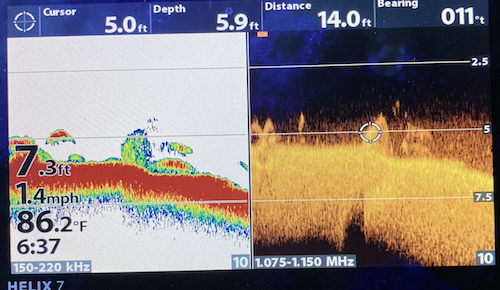
-
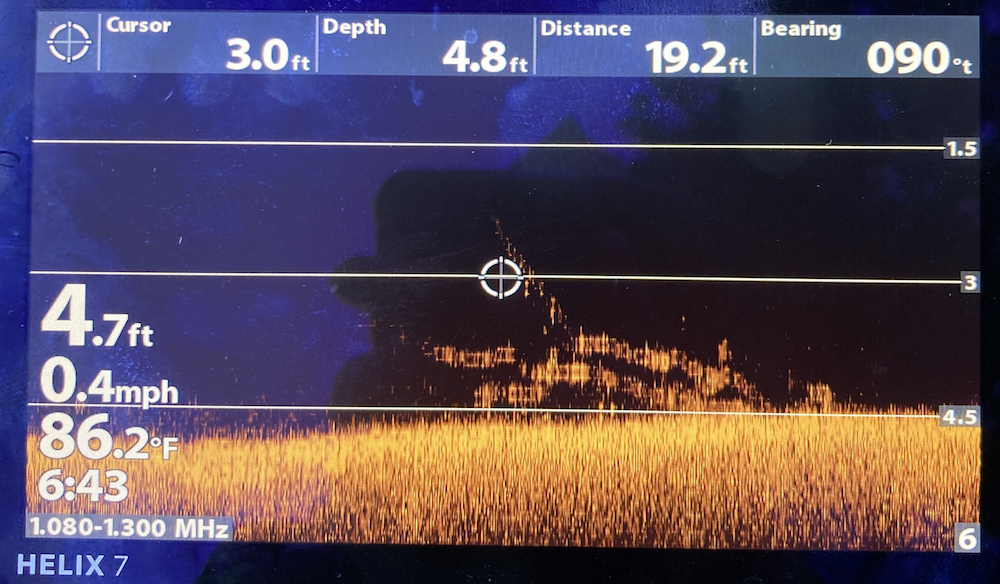
New to this board. Been bass fishing in my 6 acre lake behind my house for 25 years. My kids got me a modern fish finder for my 70 birthday, HB Helix 7G3 MEGA DI. I want to look at the structure in my lake that I put in there 25 years ago. The HB was a disappointment. This was the best image I could get after trying every possible setting. After 25 years there is probably a foot of silt on the bottom. I took the Helix 7 back and tried the Helix 5 MEGA DI G2. Same results. The 7 had a trolling motor transducer mounted on the front of my 10 foot bass prowler. The Helix 5 had the longer transducer. Same quality images. Question 1. Does that much silt caused to have such poor images? Question 2. Is there a Fish Finder out there that can deal with silt