James Massie
New Member
-
Joined
-
Last visited
-
I could but I live in pa and the shipping to send it back to them (which I have to pay) is outrageous. I ended up just mounting it next to my new one and I only use it for left side of side imaging and for charting.
-
So this is resolved. It was not the transducer. It was the monitor itself. I went to bass pro to talk with the sales guys. He found it odd the monitor did that without a transducer attached. We checked his display units. None of them did what mine did. So the issue is a simply faulty display. Talked to the store manager about this and since it was slightly past return and they couldn't take it back they offered me 25 percent off a different unit. Picked up an hds 12!
-
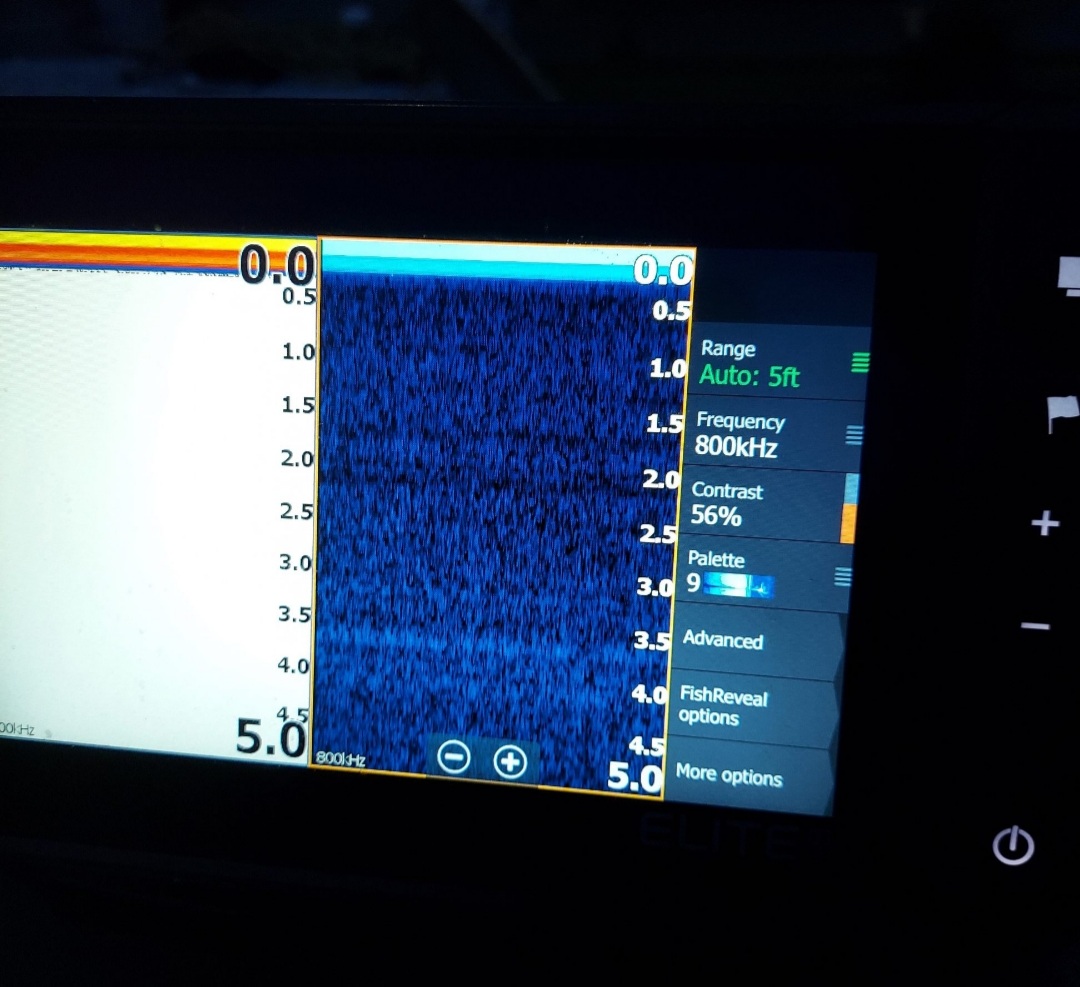
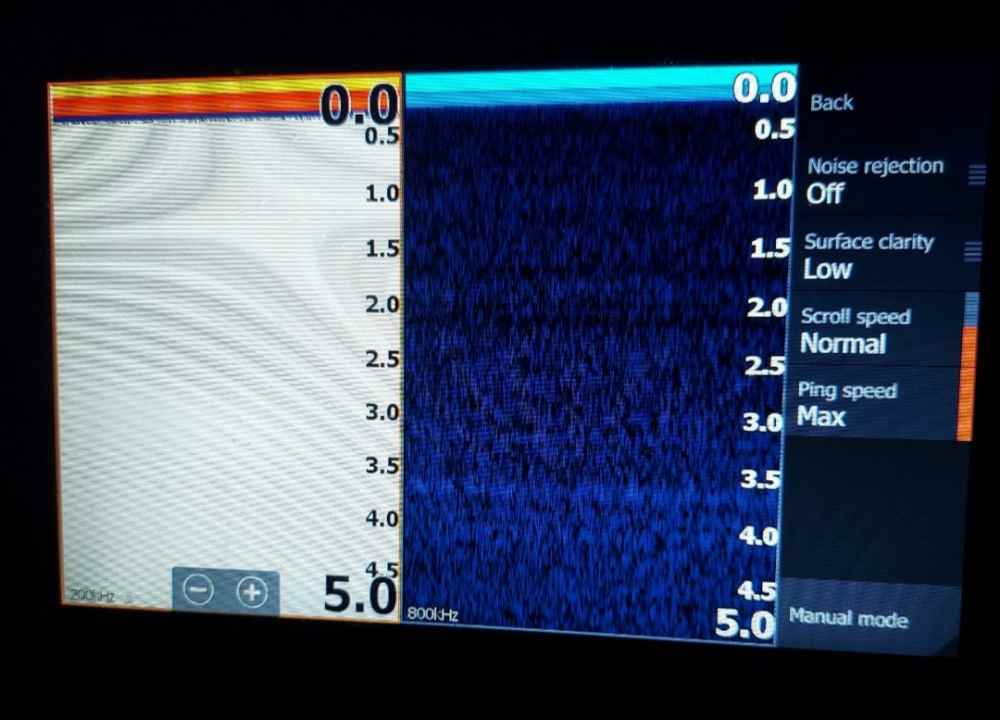
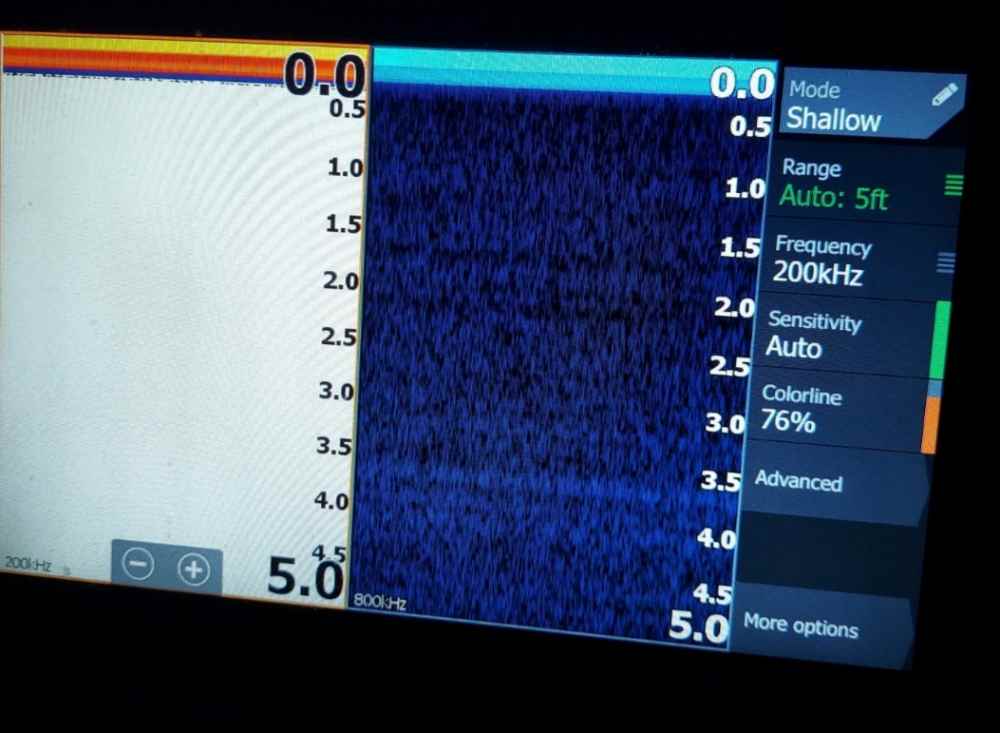
These were my last used settings and this is without a transducer even plugged in,which now I'm worried again because it appears my downscan looks the same regardless if a transducer is plugged into the unit or not this is what I was saying the downscan looks like when the transducer is actually plugged in. The 2d would of looked like the lake below me was full of trash.

-
Sweet ty kindly! I'll check my settings as soon as I get home. I unfortunately wouldnt of had the ability to get screen shots of the interference till Saturday but I called Lowrance today and they agreed to send me a new transducer. Unfortunately I had to send them mine as well so I'm without sonar till I get the new one. Hopefully this fixes everything. After 2 hours on the phone with lowrance they agreed to send me a new active 3 in 1 but I have to send them my current one so no pics of the interference. Once the new one comes I'll try to get on the water that day to see if it was something I did or just the transducer. Really hoping to achieve infantrymp level of clarity
-
I fear that as well. My only other thought was it could be interfernce from how far away and above the Lowe transducer bracket is from the ransom. It's an inch above and an inch out then with the mount I feared maybe it was sitting to far away from the boat itself and that gap would create turbulence. But that would be a serious design mistep on Lowes part.
-
I unplug both power and transducer to store it when not in use. I have reset defaults but haven't done a hard reset yet. Settings I've followed every step I could from multiple other post for best quality. Nothing seems to make a difference. I'm fairly sure it has to be the transducer but I'm willing to try anything. Soon as I get on the water again I'll take pictures. Any other ideas?
-
Sitting still or moving yes. Rarely to I get to go to a lake where I can use my outboard so it's mainly between 0 to 4.8 mph. Interface is there all the time, except side scan which looks crystal clear at speeds over 1 mph
-
Hello all! My first post here but I've been reading post here for almost a year. I'm having an issue with my transducer and hoping one of you fine people might be able to help. I'll try to give as much info as possible. I have a 1852 Lowe aura and I'm using an elite fs with the 3 in 1 active imaging transducer. The cable from transducer to monitor is isolated away from any power lines. The monitors power cord goes directly to its own 12v 100ah deep cycle battery, and the battery sits about 3 feet away. The monitor is mounted on top of a side console. My problem is the monitor image for both downscan and sonar are very grainy/interfernce. I unfortunately don't have a picture of either atm. My side scan is crystal clear but my downscan only gives blury images.the background color is blue but it appears kind of pixilated (sorry don't know a better word for it. Like the background is never one solid color) On both di and sonar there appears to be interfernce on screen like say I was on water and the water below was just full of trash. Happens to all depths. I expect this in maybe the first couple feet but not 20 feet down. I also am not getting any type of fish arch on sonar are rarely does fish reveal pick anything up on downscan even if there are 30 fish below me. I read bottom just fine and can make out if something is rock or weeds but far from clear. I've had the unit for 3 months and it's progressively getting worse. We have spent the last week adjusting the transducer. Lowrance manual had it flush mounted. I've lowered and raised it. Used a level, every thing. I don't believe I could make it more level both vertical or horizontal if I tried. Raised and lowered the end. Same results sometimes a little worse sometimes a little better,but still terrible. Including pictures,right now the cord from transducer is not 3m'ed to the hull cause if us moving it again but on every test was flat to hull. Also drain plug to the left is plugged outside of boat due to not being able to inside anymore (opening on inside got squashed a bit and cant get plug in anymore.) Any ideas on if it's just a bad transducer or an install issue? I don't expect it to look like the demo but would expect it to look like some of the pictures I've seen people post here. Any advise is appreciated and thanks for your time. Leveled so transducer bottom half is lined directly with bottom of boat. Picture doesnt do it justice. Again from the bottom half of the black transducer down is leved with bottom of boat. Have tried above and below this point as well. Maybe worth noting, is at least 10 inches from prop, the boat does lean slightly right when I'm sitting on right side seat. And this happens at all speeds.