anglro39
New Member
-
Joined
-
Last visited
Everything posted by anglro39
-
good luck!
-
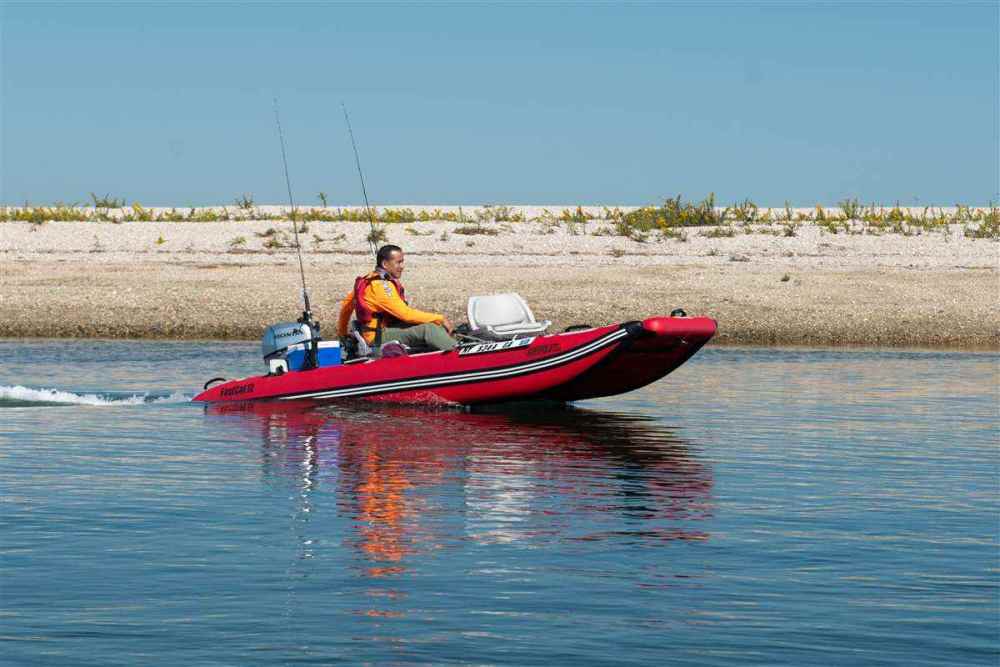
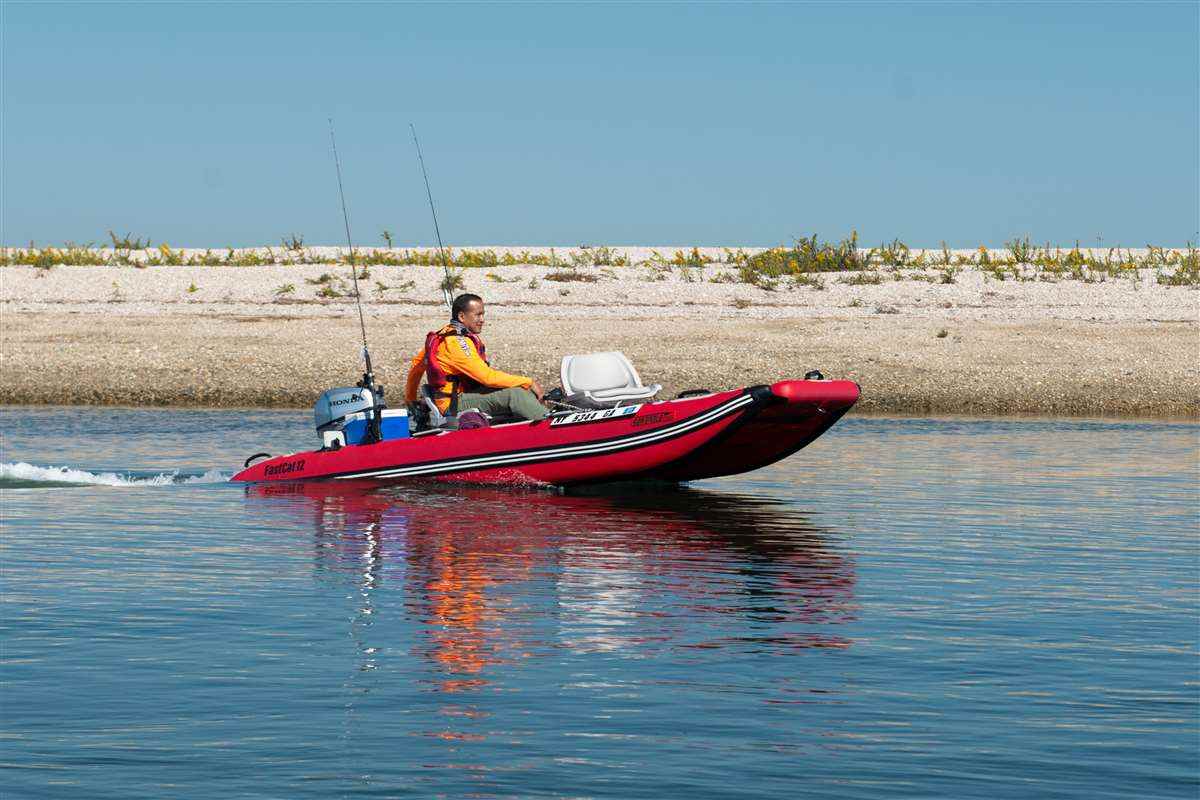
You should have the two stage electric pump and the cart. I can’t imagine to take the boat without them. I tried to pump the boat with the hand pump, but I was exhausted and didn’t get the target pressure. The cart is very good to carry the boat and launch at a ramp. It will take some time to learn how to launch yourself efficiently, but I can do so you will be able to do. I am using the 70 lb water snake trolling motor in the package. The top speed is 4-5 mph for one person. It could be slow depending on what you need, but I have enjoyed it because mostly I fish in small or mid size lakes. If you want to go to a large lake or river with strong current, you should have a bigger motor. I am satisfied with the stability. I haven’t had flipping over yet. I do fish while standing and seating with no problem. I don’t like windy day, but I did when the wind was 10 knots. There was no problem. I recommend you to have the canopy because my wife loves it and also it’s good for hot summer and recreational purpose. I am using the deeper for fish finder and 9 lb anchor too. The fish finder is easily removable and could be optional but you should have the anchor to hold the current position in windy condition.
-
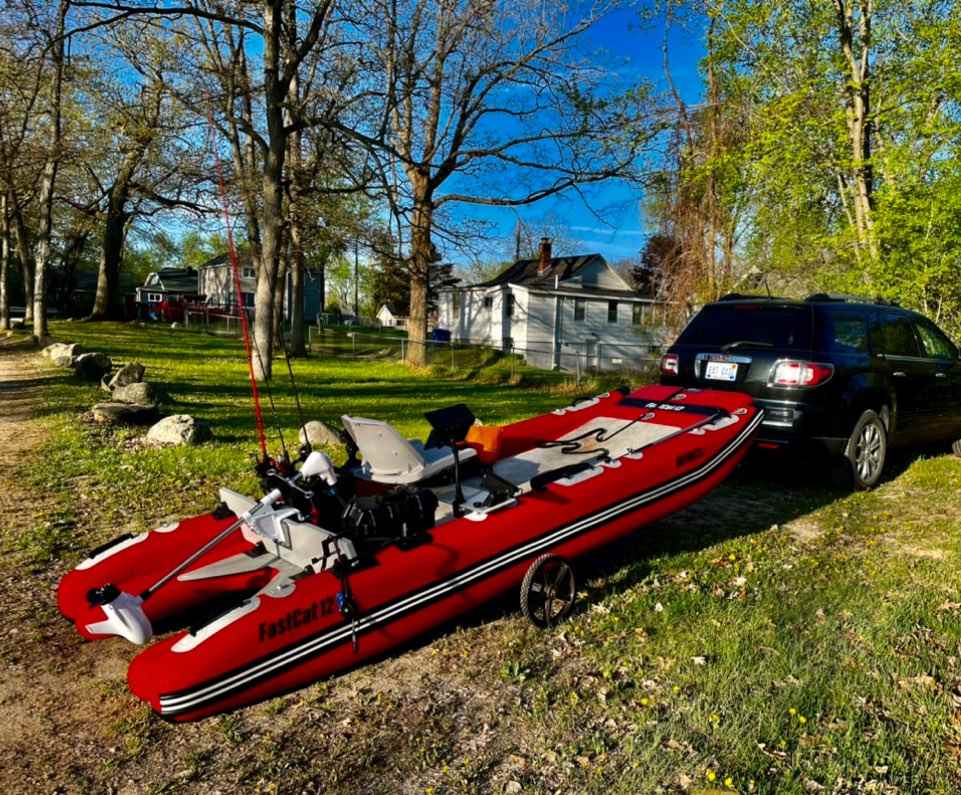
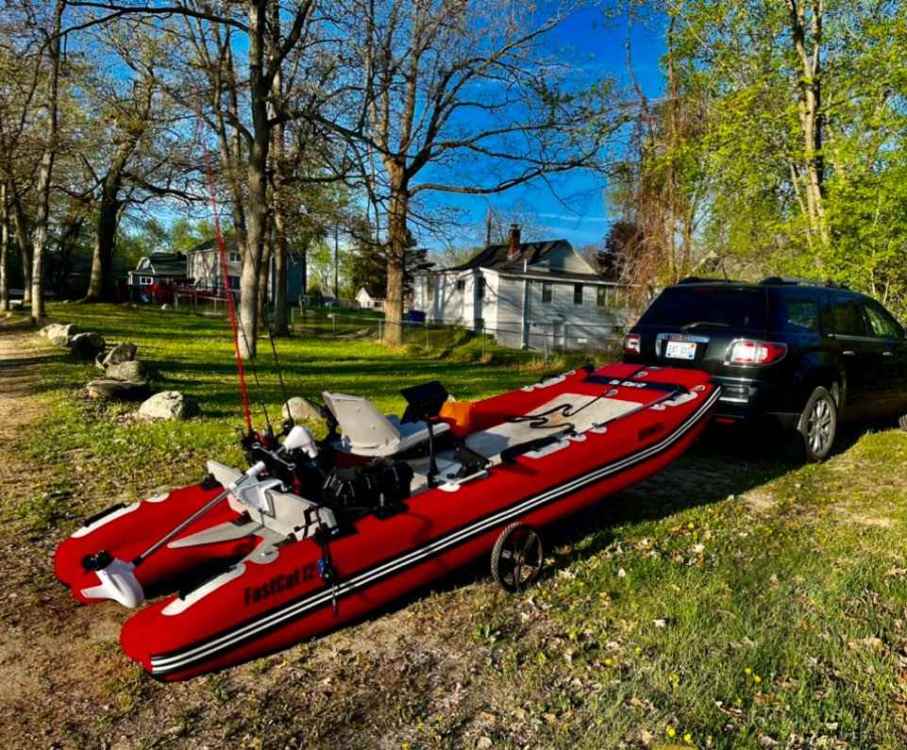
What I have is not the skiff but I have this. Since I got this in Feb 2022, I go to fish with it twice a week. I have no trailer and I just carry it on my trunk of GMC ACADIA. The durability of the inflatable is like a tire when you pump it to 11 - 15 psi. All setup takes 20 min. including the boat, trolling motor, and the accessories like fish finder and anchor. The dismantlement takes 25 mins. so you need to spend 45 mins whenever you go out with it. This is the thing we can’t avoid because there is no trailer. I got one puncture, but I fixed it with the repair kit. There is no leak so far. I am very happy with it. Hopefully you get one soon.