tango2026
New Member
-
Joined
-
Last visited
-
Thanks Toxic. Will do. Much appreciated.
-
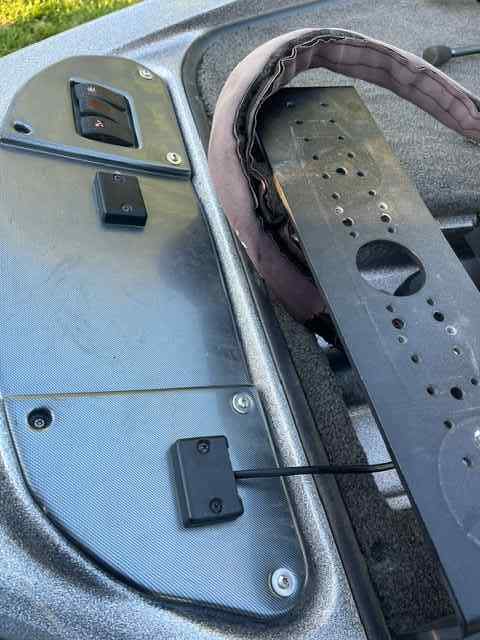
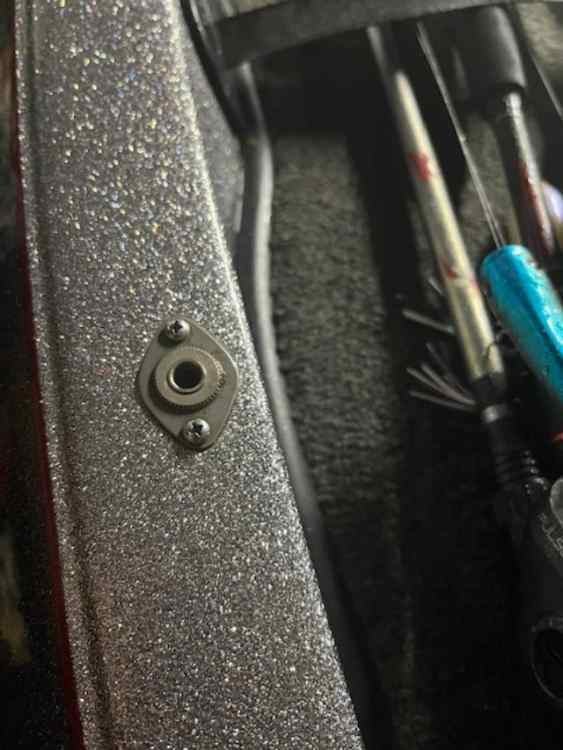
I bought a new to me 2011 Ranger Z518 and there are 4 connections that seem to be electronic and I cant figure out what they are for. All are located on the bow and have wires ran to them. Lights maybe?? I think aftermarket but I can't find them to figure out what they are.
-
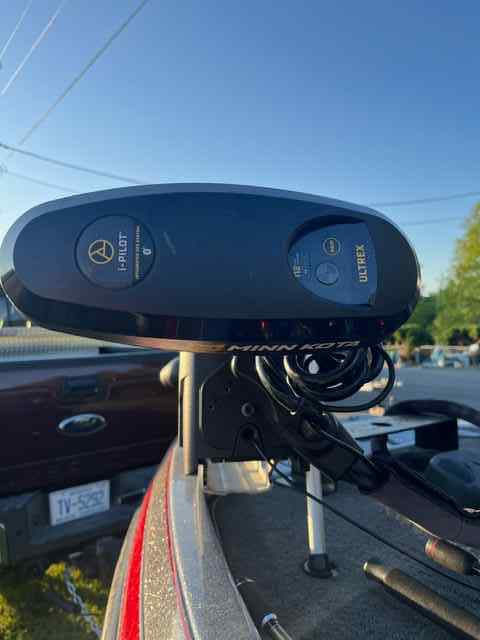
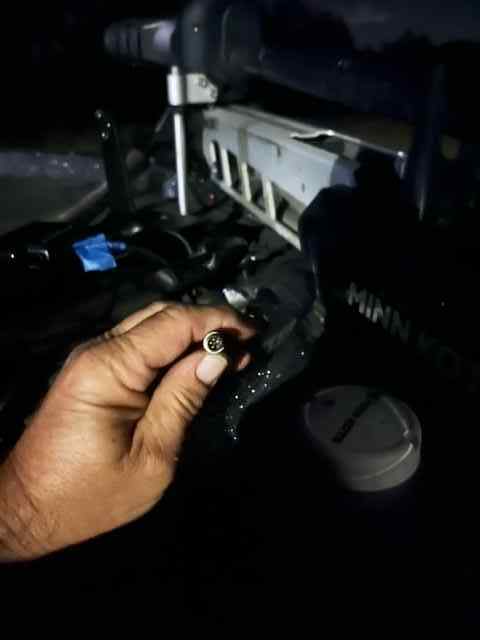
This is the one I bought before I saw your reply. The connection from the Ultrex is a small 4 pin male round connection. I'm assuming the 3 pins on the Helix side will match up but only 3 pins used I guess. I'll find out in a few days. https://www.amazon.com/gp/product/B0BGZT911J/ref=ppx_yo_dt_b_asin_title_o01_s00?ie=UTF8&psc=1
-
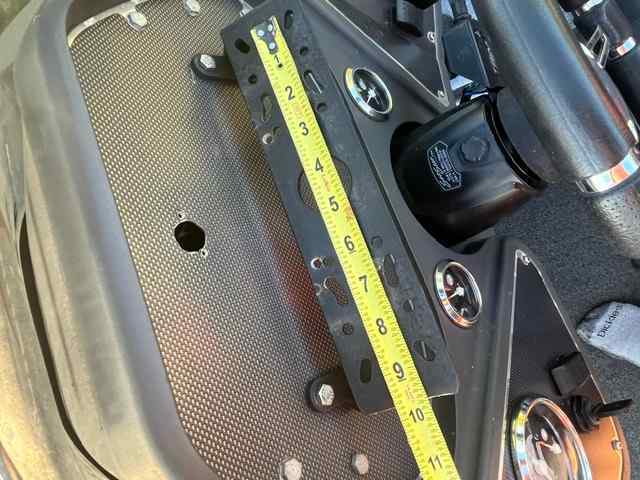
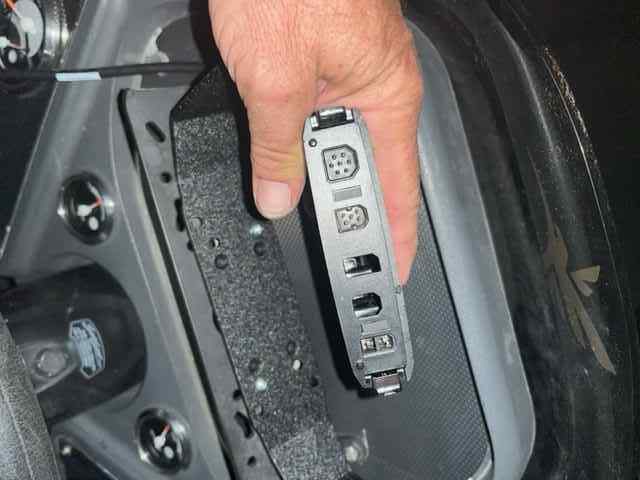
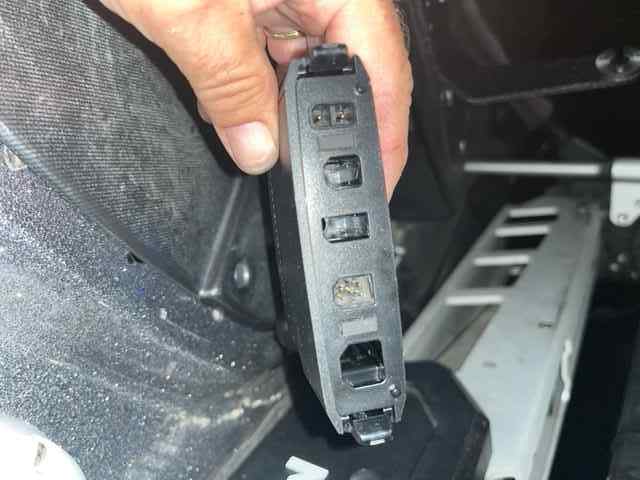
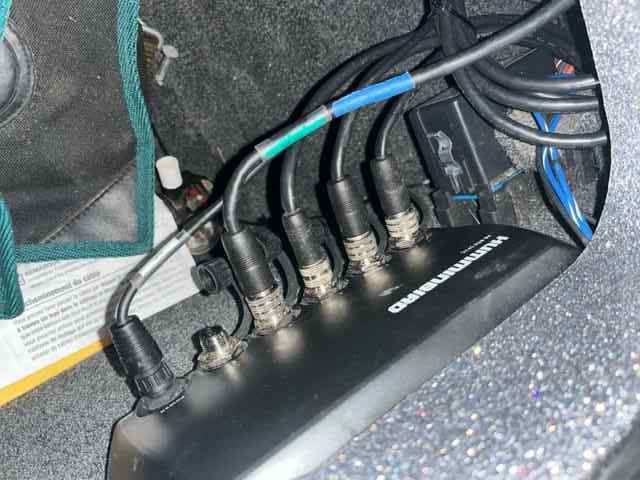
Some pictures for reference. I do appreciate you guys taking the time to help. It is great there are still guys out there that will help a fella out when he is learning. Means a lot.
-
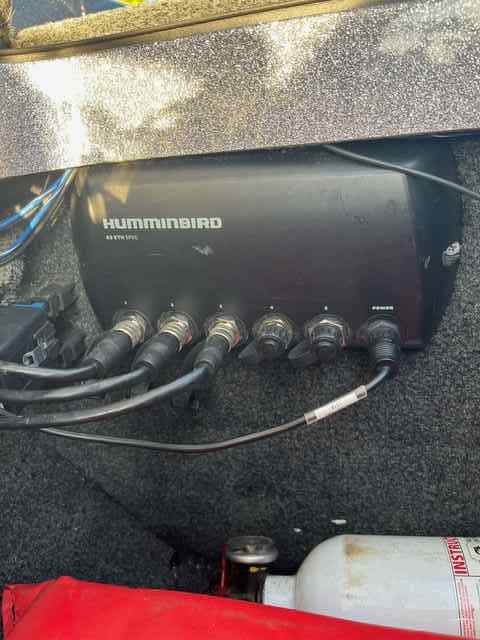
Well I have been working on this all day and pulling the cables are a pain in the you know what. I pulled the Live ethernet cable to the hub. I still haven't gotten the transducer cable past the electrical compartment but it is mounted and appears to work but there is a smaller round ethernet cable from the Helix that I'm not sure what to do with. (Maybe an adapter to the front unit.) There were 2 ethernet cables under the console I assume for two graphs so I used one and left the other tied up. It seems to be good with the back transducer and the Live says out of water so I assume it is communicating too. I have it all powered up but need to figure out the Helix cable and also going to watch some videos on you tube to see what I supposed to be seeing. It was a lot of work but now to get it in the water and see how it works. (And route that darn transducer cable).
-
I see a Lake Master chip on Amazon for the south East. I'm mostly NC and some SC. $161 sound about right?
-
Thank you Casts_by_fly . That is great information. I'm off work tomorrow so I plan on finishing all the connections. I Had a 1977 Hurst Bass boat back in the late 90s but a Ranger has always been my Dream. I figure you can't take it with you so what the heck. And maybe catch a few Bass along the way. Again, Thanks.
-
I am fairly electronically inclined for an old guy but this sort of has me a little confused. Is this saying I need to connect both SI and DI transducers to the graph at the console with a splitter? https://johnsonoutdoors.widen.net/content/3ivnpwvecs/pdf/
-
Also. The Ultrex has a transducer in it I see. Do I need to connect that also or ignore it due to the FFS I now have on the trolling motor? Assume hooking the FFS, DI and SI to the HDMI box along with the HDMI to the graphs. Hope I got the acronyms correct. This is all new to me. He left some HDMI cables and a adapter or two. Trying to get it all worked out.
-
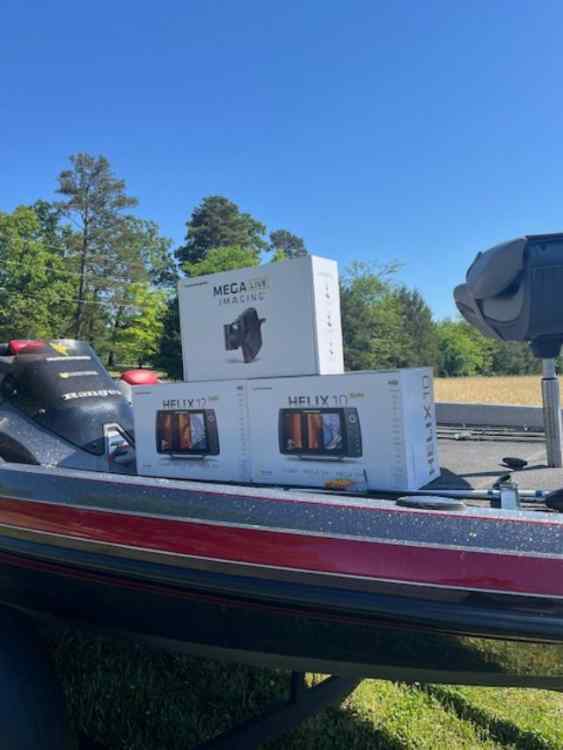
Thank you Rick for the info. I researched and found that HB had rebaits on their Electronics and it ends the end of April. So yeah pull the trigger I guess so I drove my butt to Bass pro and with the 10% off being Monday -$600 and The Rebates -$1500 I got out for just over 4K. 10" at the console and 12" at the bow. Now to get it all connected. Think I may need some adapters. Fortunately looks like I followed your advice pretty well.
-
I purchased a new to me 2011 Ranger Z518. The previous owner kept the graphs but There are HDMI cables and a AS ETH 5PXG Ethernet Switch, I have a Ultrex 112 with a few mounting plates. To stay with Hummingbird what graphs would I need to get a live forward imaging and a graph for the console and front to have a good setup? Thinking 10" for the console and maybe smaller for the front but what suggestions do you have and what transducer do I need? Bass fishing lakes in NC. Thanks for the help in advance.
.jpeg.61da9e5cf56da73f338cd400b9cdbc81.jpeg)