nicksb
New Member
-
Joined
-
Last visited
-
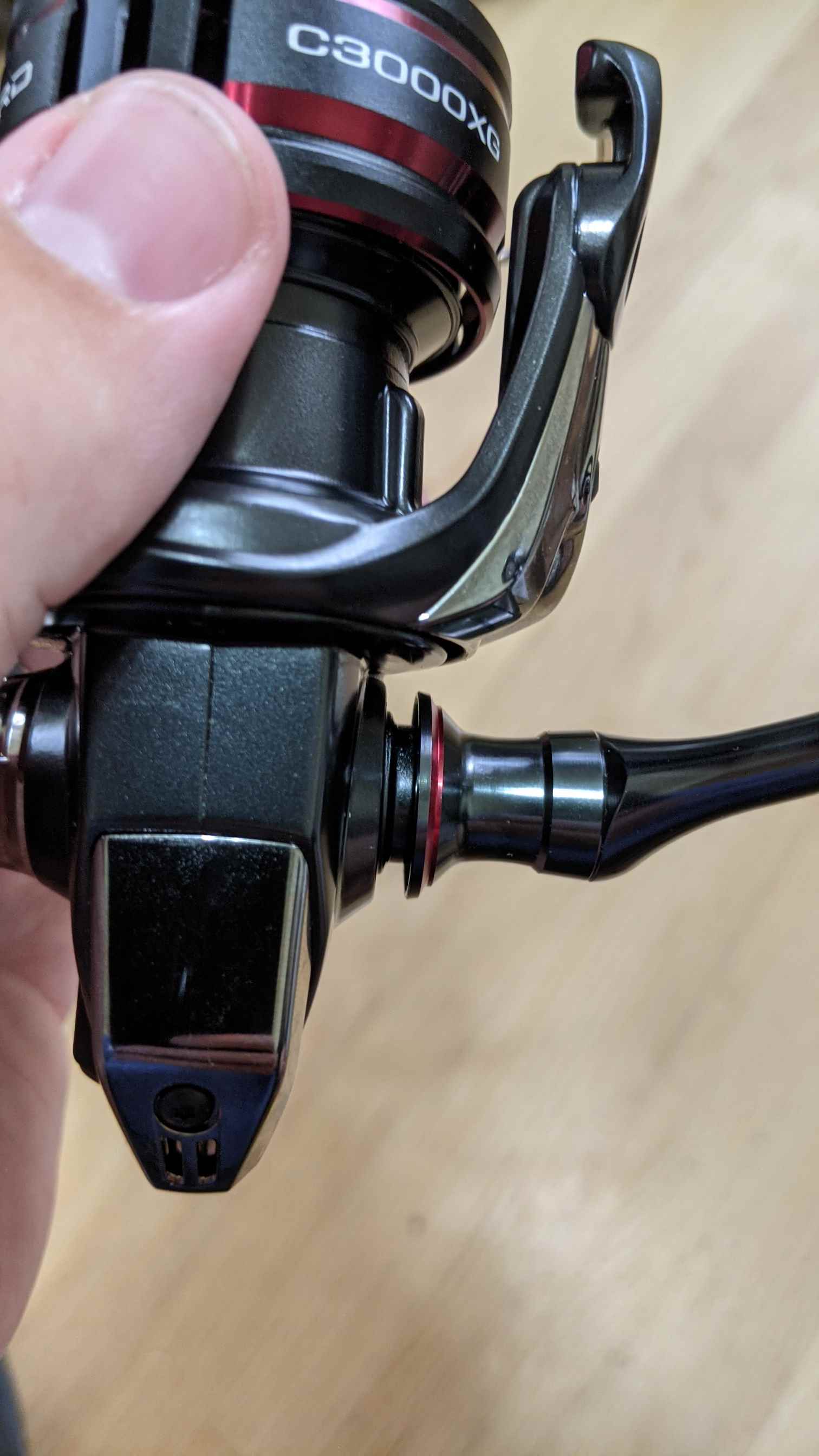
That solved it. 1. there is a gap (by design) 2. I had my washer on the reel side of the sleeve instead of on the handle side of the sleeve. After swapping, the gap is smaller. Not sure how that happened.
-
I can't see a way to make it any smaller really - sounds like this is by design, but seemed weird. I don't think I've seen a little aluminum sleeve like that - maybe it's for salt? I'll just go with it. Thanks for checking guys - appreciated.
-
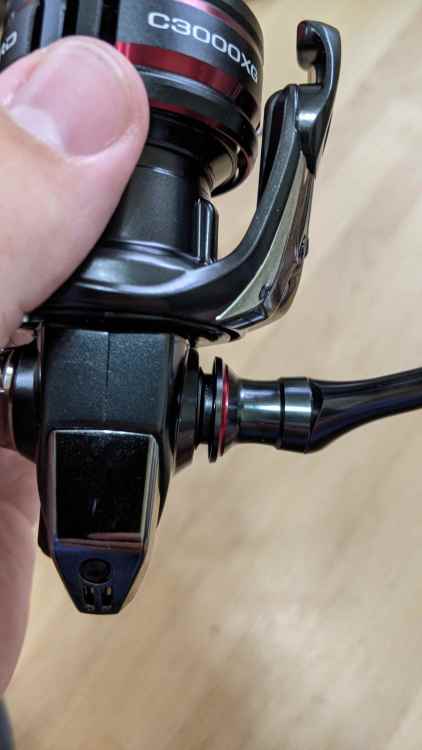
First Shimano Vanford C3000HG. Handle came with some weird sleeve for the screw shaft I've never seen before. I can get the handle on, but there's a weird gap between the housing and the base where the handle inserts. Never had trouble putting on a handle until now. Other Vanford owners: Does this look correct? It won't screw tighter and I won't force it
-
nicksb changed their profile photo
-
So I've been trying to get into jerkbait fishing and I am determined to master this technique. However, I have noted that most resources say "jerk on slack line". Does this literally mean that you have slack line lying on the water at all times when jerking and you only reel up some of the slack? I have yet to find a solid answer on this.
-
Bass opener is soon here in Wisconsin and I'm wondering what I should look for when picking out a lake to specifically target prespawn/spawning bass. Are there any specific characteristics of a lake that make that lake easier to find bass? I've not been very successful in this period and I would like to choose one that makes solving that puzzle a bit easier. Most lakes around me and in the state are natural.