
BumpTheStump
Members
-
Joined
-
Last visited
-
sounds great, where can I find this?
-
Very helpful website I thought you might find handy, just enter your boats serial # and you can look-up every part that was used to build your boat with pricing. You wont have access to actually add to cart, just find part # and price, then call dealer to order. I have used this to order parts for my Heritage and it is awesome. https://tracnet.trackermarine.com › COPM › NewSerial01
-
Has anyone done a deck extension yet?, if so I would love to see some pics. I need to do this but just not sure how to do it and keep the factory look.
-
The Classic also comes painted, I think the choices are red and black
-
I found these factory looking toggles if anyone is looking https://www.greatlakesskipper.com/carling-0838r-on-off-boat-toggle-switch
-
What parameters are available in vessel view for the 40 Mercury and was the install pretty straight forward?
-
I saw that, was just not clear if any supports or obstructions had to be cut under the foam.
-
Did anyone ever find or can anyone provide pics of a recessed TM tray install? i would love to know whats under the deck before I pull the trigger on one.
-
Does anyone have any info on installing a tray in the Heritage 40th edition, can it be done? has it been done? I can't find anything on it
-
the 3 I believe
-
Might just have to order one of these, Thanks for the info
-
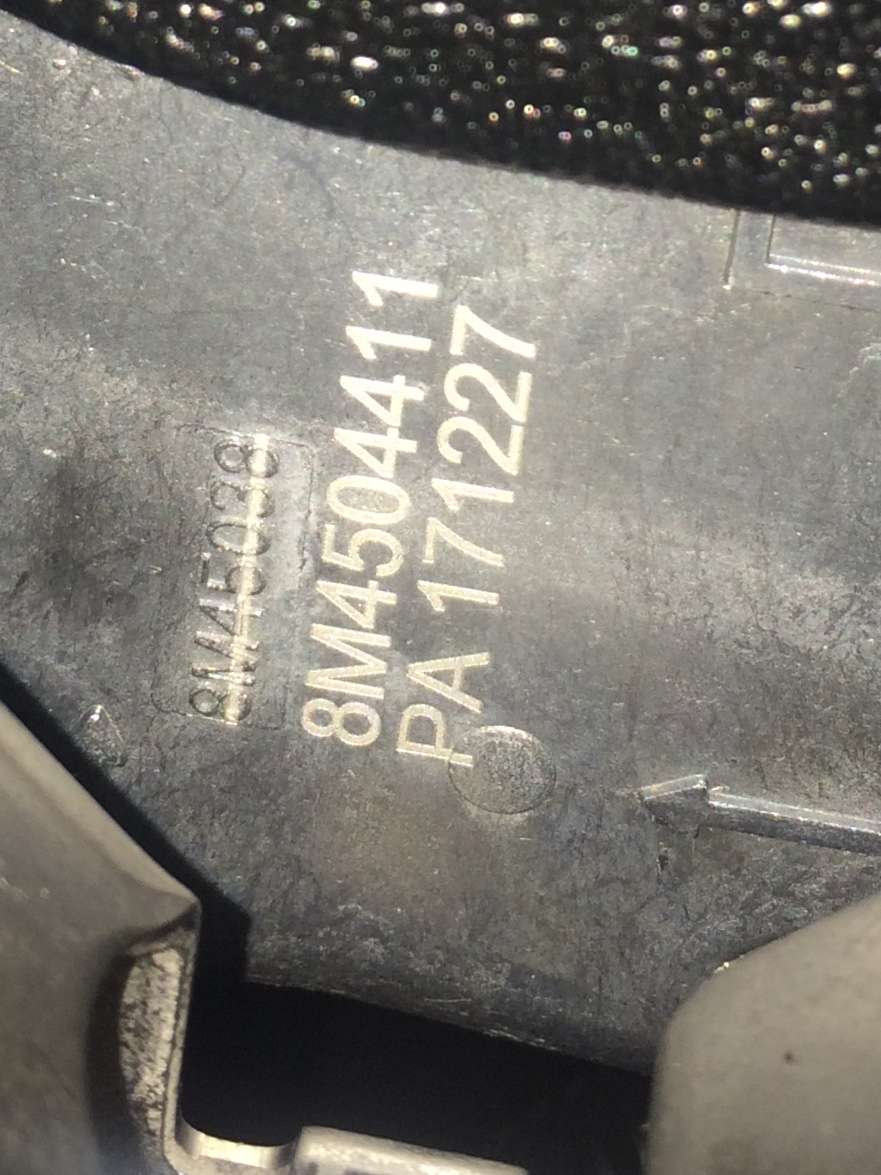
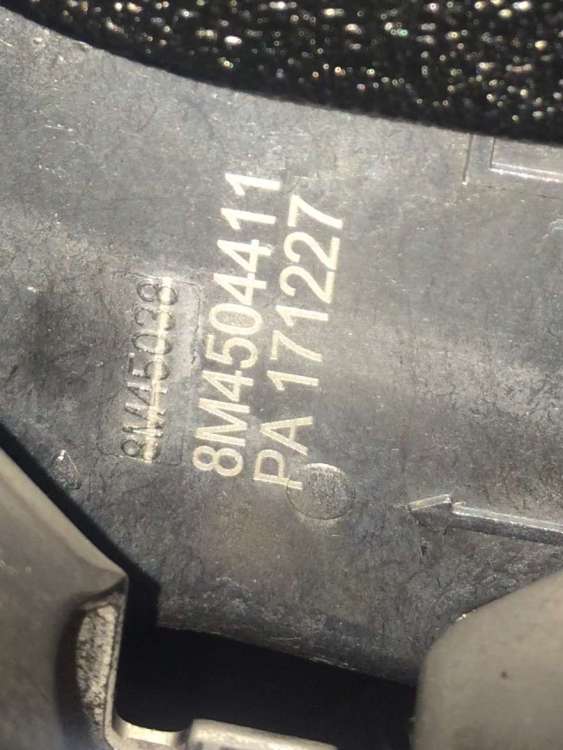
Not it sure it matters but my number is a little different (PA 171227) vs (PA 171221) not sure if this is a newer version, I guess I will just wait and see if I get recall letter
-
No blue dot here, but haven’t received a letter yet
-
FYI, there is a 100.000 rebate offer on the Micro when you buy it and a pole. Print form here- https://www.basspro.com/shop/en/power-pole-micro-anchor
-
I would love to see pics of that install