craigaria
Members
-
Joined
-
Last visited
Everything posted by craigaria
-
Congrats on the win!
-
Nice job! Nothing like a good chatterbait bite
-
Live bait definately works.
-
Right now is my favorite time of the year for shad raps. Crawl it back to the boad, and let it bounce off of cover. Stop and go works good but I vary the retrieve until I find what they like. Match the color to the baitfish in the lake.
-
You have to catch wild shad first. Use your electronics to find schools of baitfish and catch them with a casting net. You need to have a good bait tank or else the shad won't live very long. He also used some chemicals in the water to make the shad live longer. Then he just used the fishfinder to pinpoint the bait and the fish. From there we knew what depth to drop the shad to. We hooked the shad through their nose right above their mouth. After that, all we had to do was reel them in
-
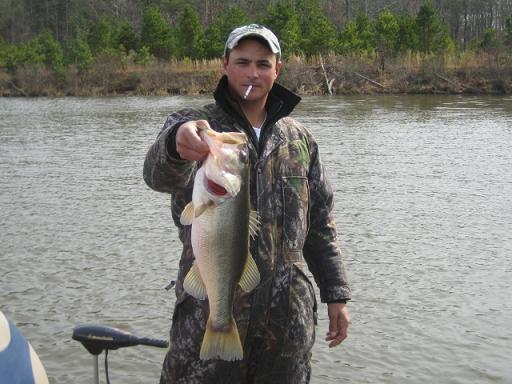
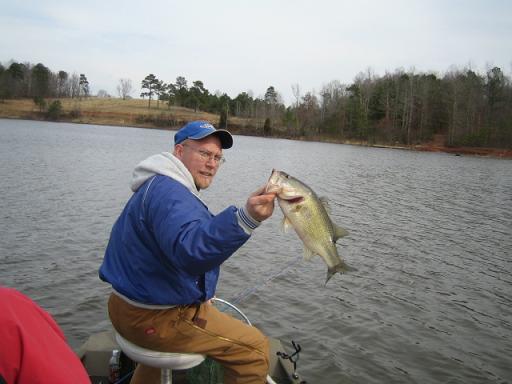
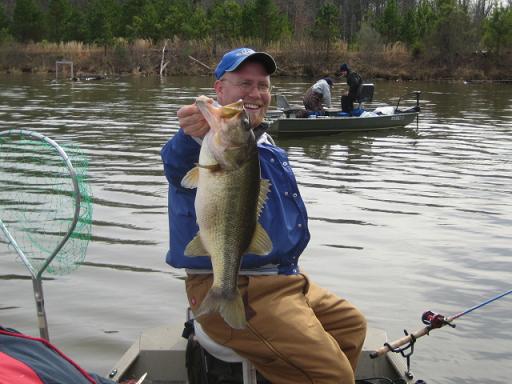
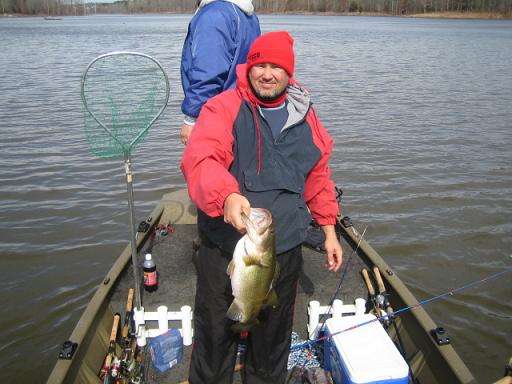
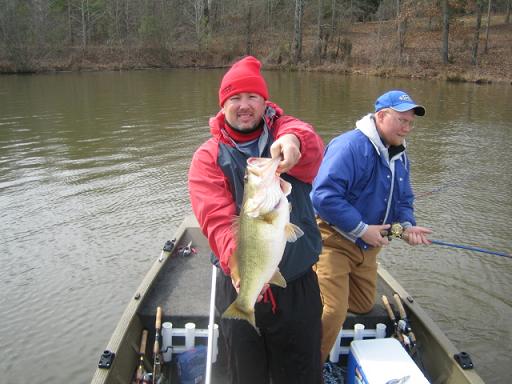
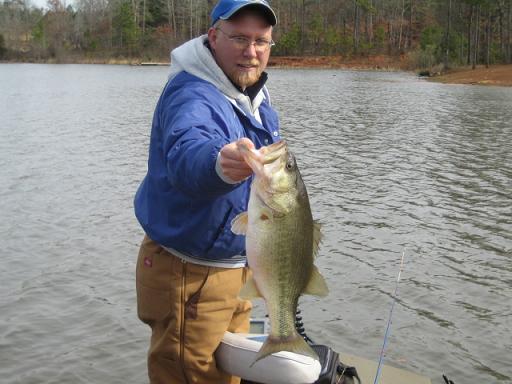
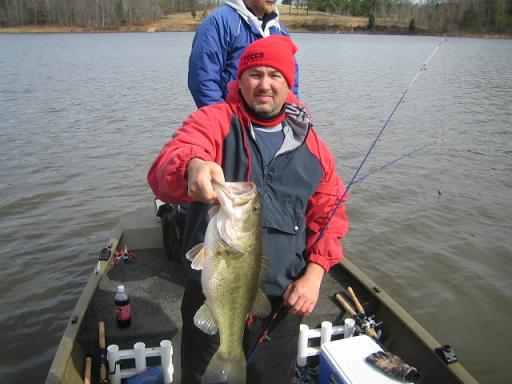
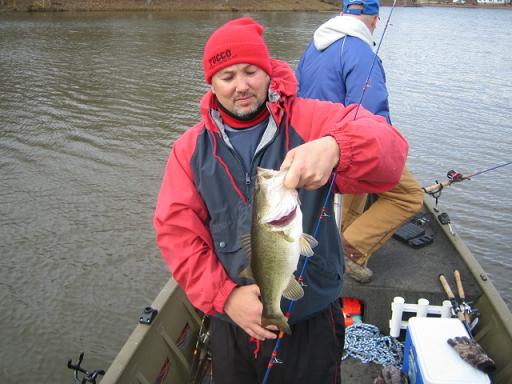
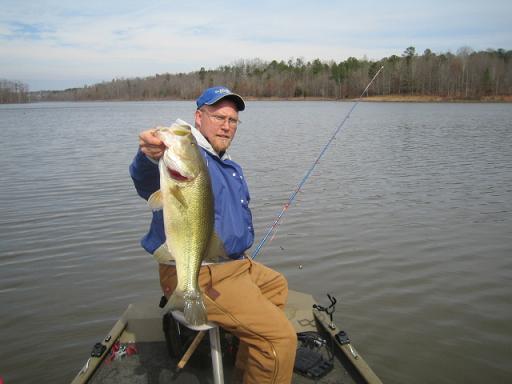
No more pics, that is all the fish we caught. Maybe next time we'll catch a few more
-
motorguide sticker

-
Here is something I just found on the web, I can do this plus your motor HP #'s also. Let me know what colors you'll want. I have white, grey, red, yellow, and orange. I just ran out of black and blue this week. If it is other colors I will have to order them.

-
I can do all kinds of fonts. Those stickers look a little plain... But if you want it looking original I can do those too. If not, I can make some cool looking stuff for you (non-stock). Let me know, Craig
-
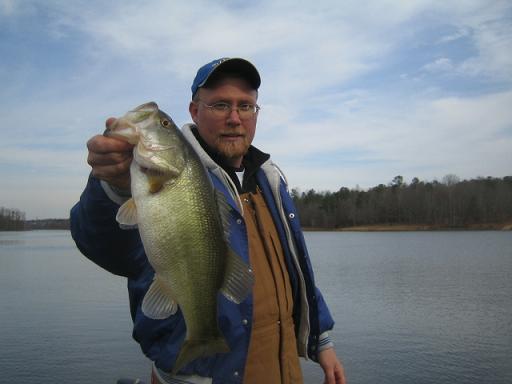
10lb 9oz Lake Varner
-
-
-
-
-
-
-
-
-
-
-
-
-
Look who showed up... Cheater ;D
-
-