
Glenn
BassResource.com Administrator
-
Joined
-
Last visited
Everything posted by Glenn
-
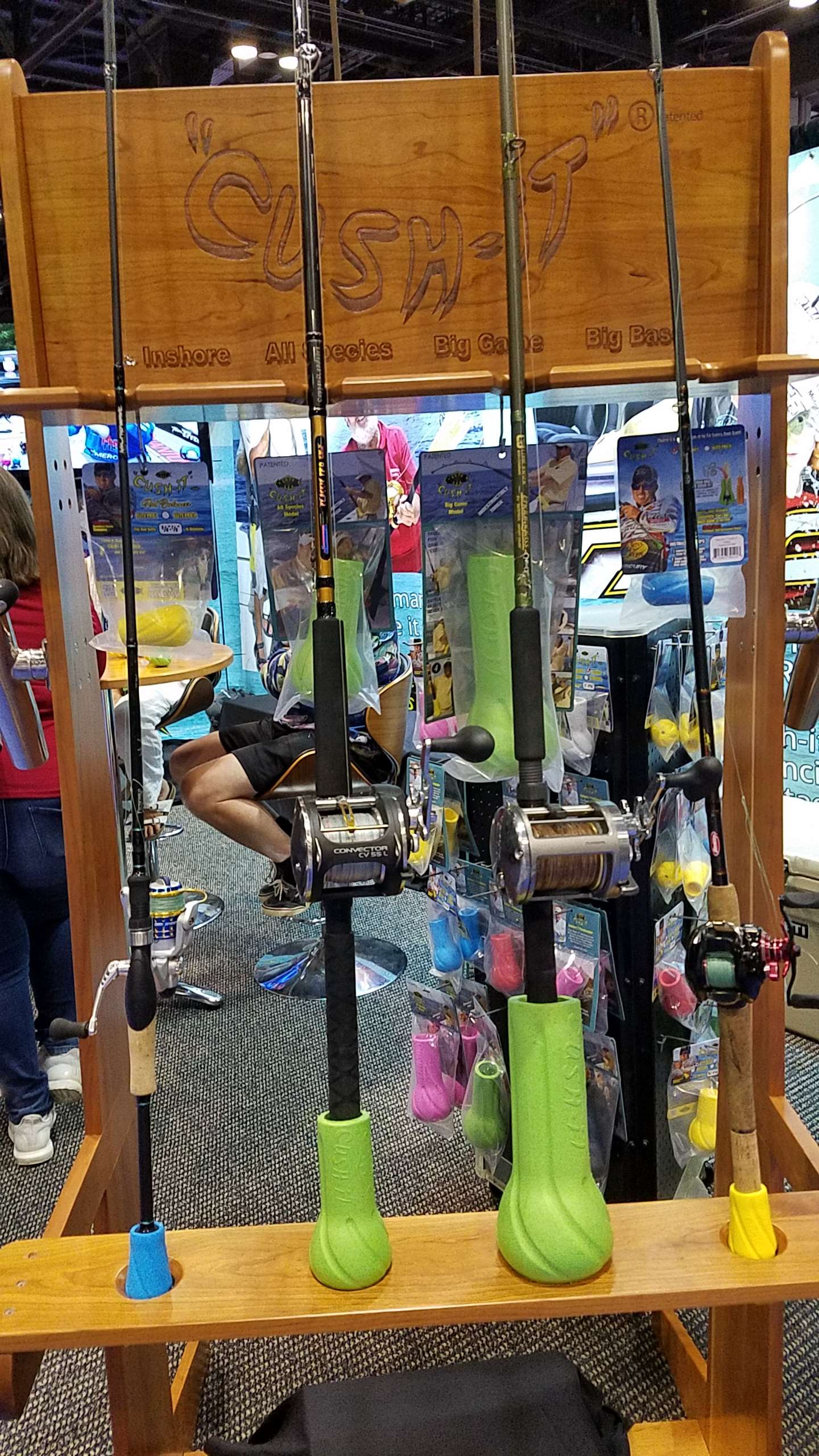
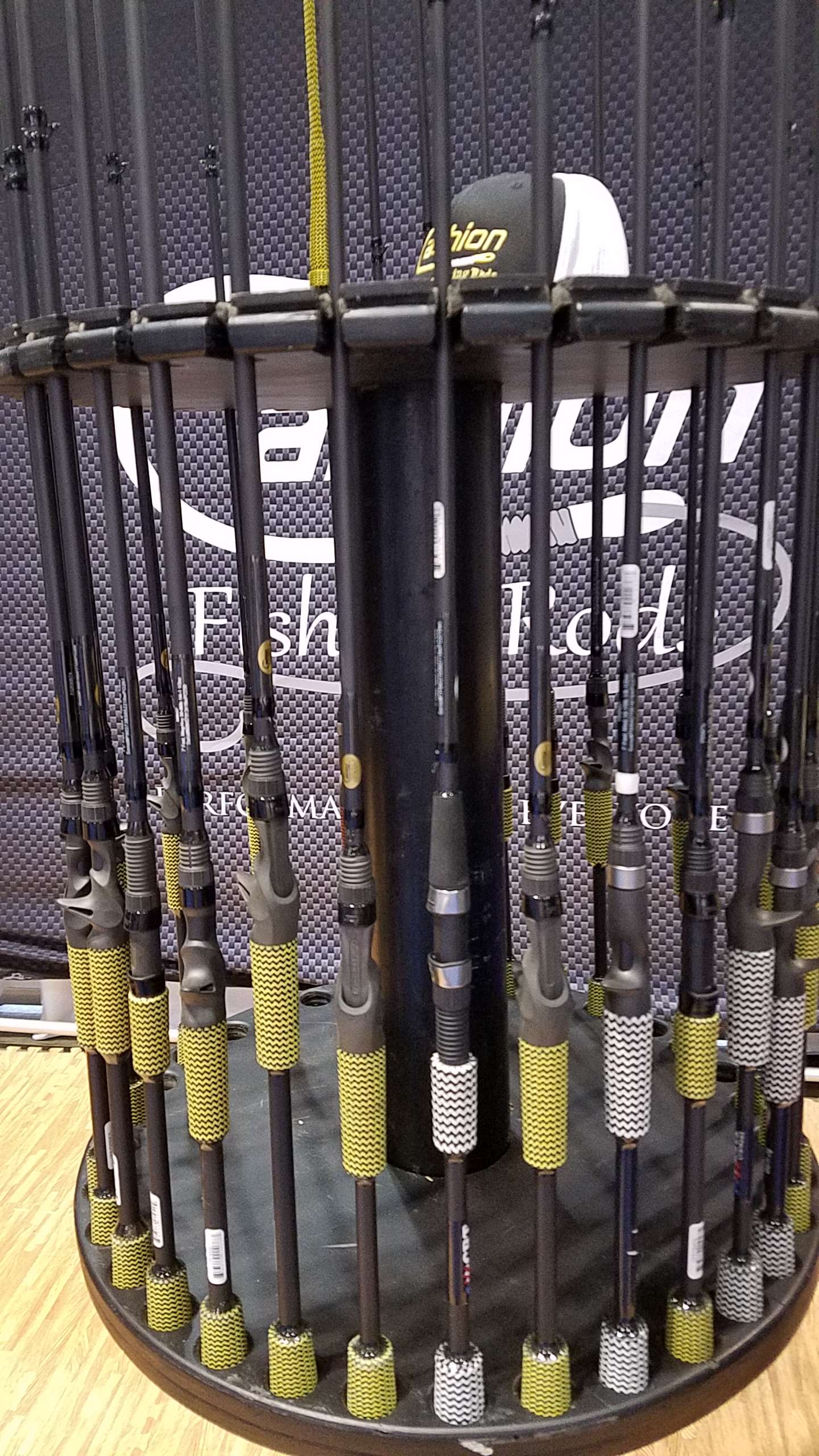
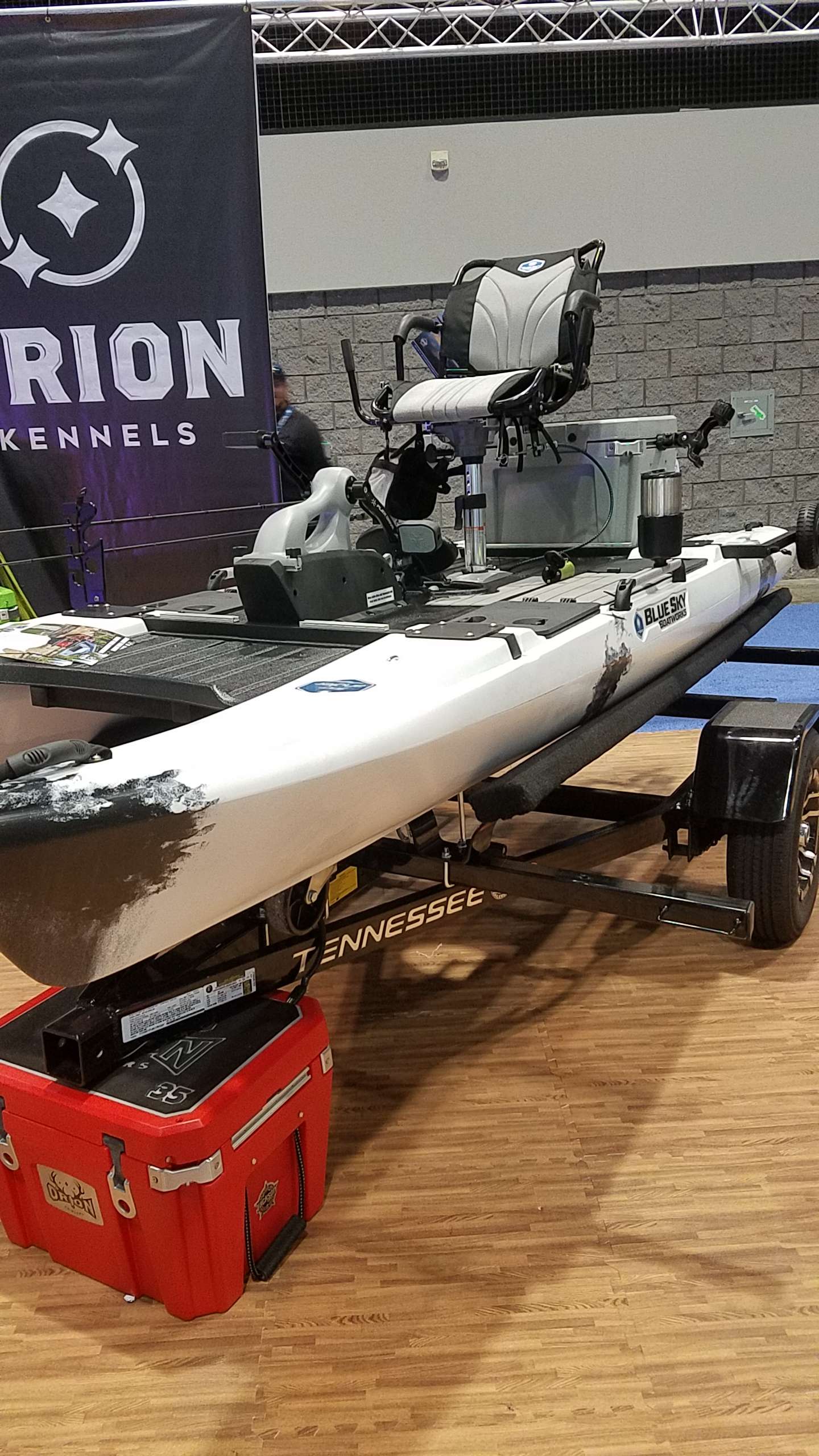
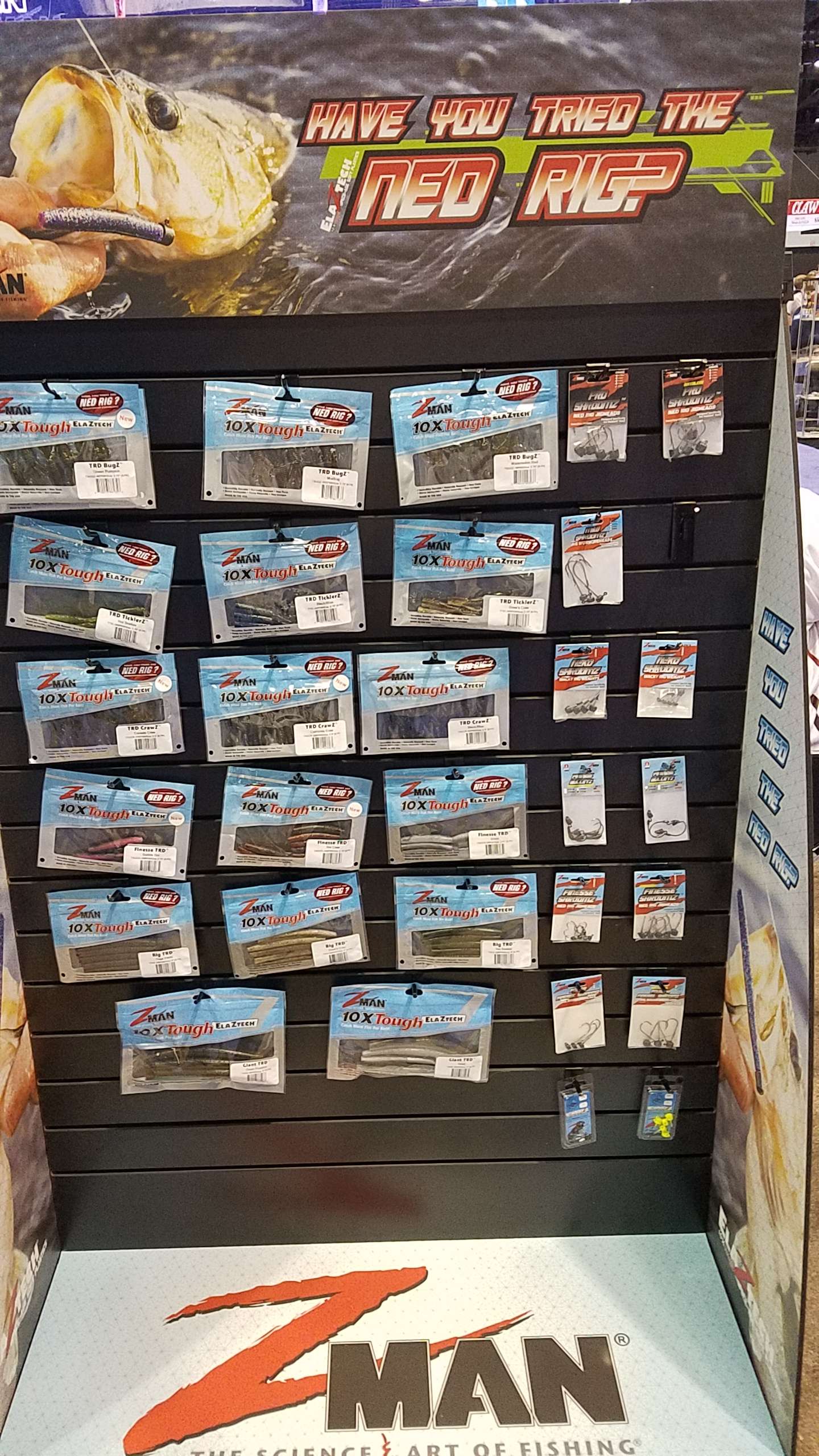
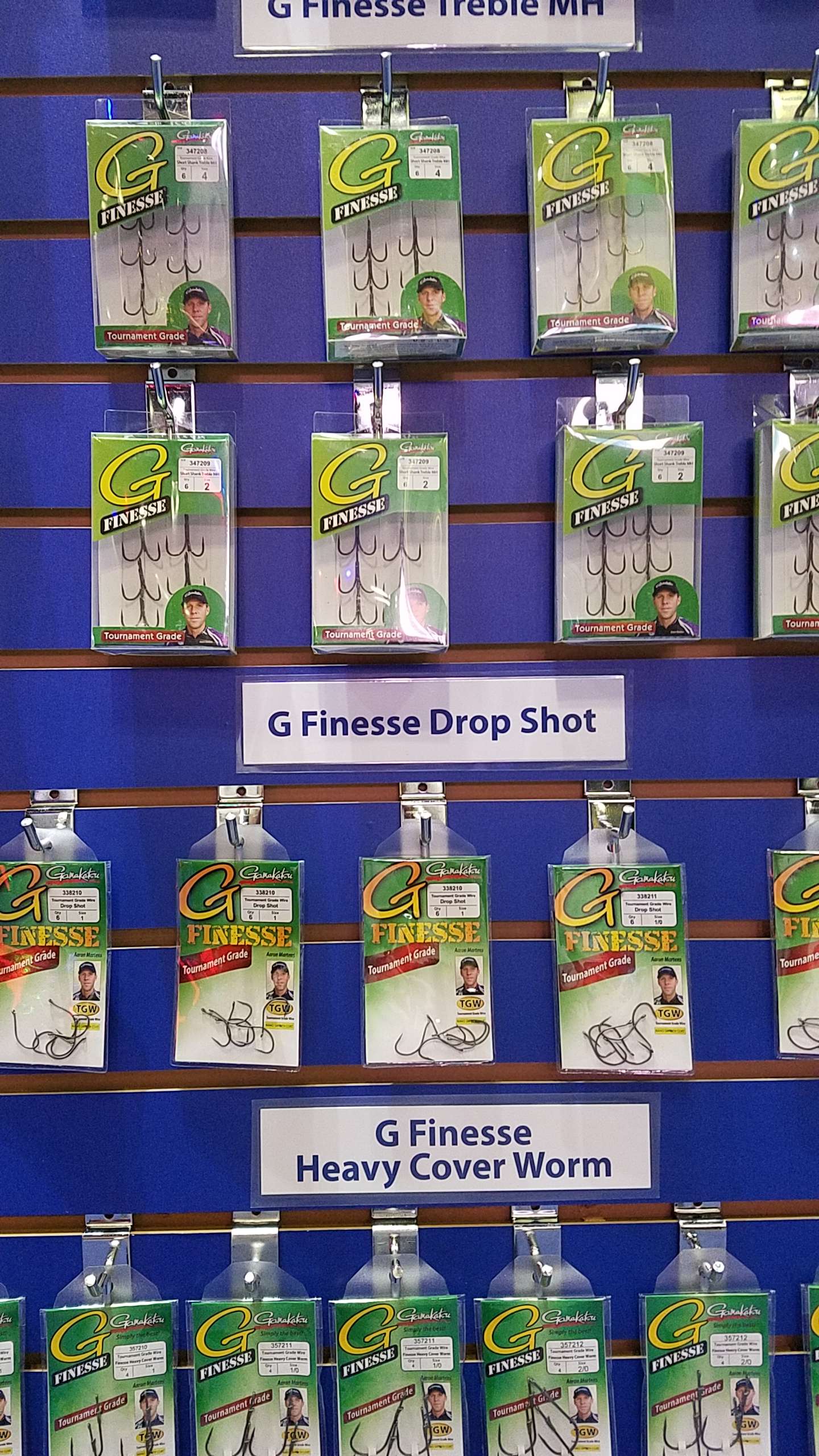
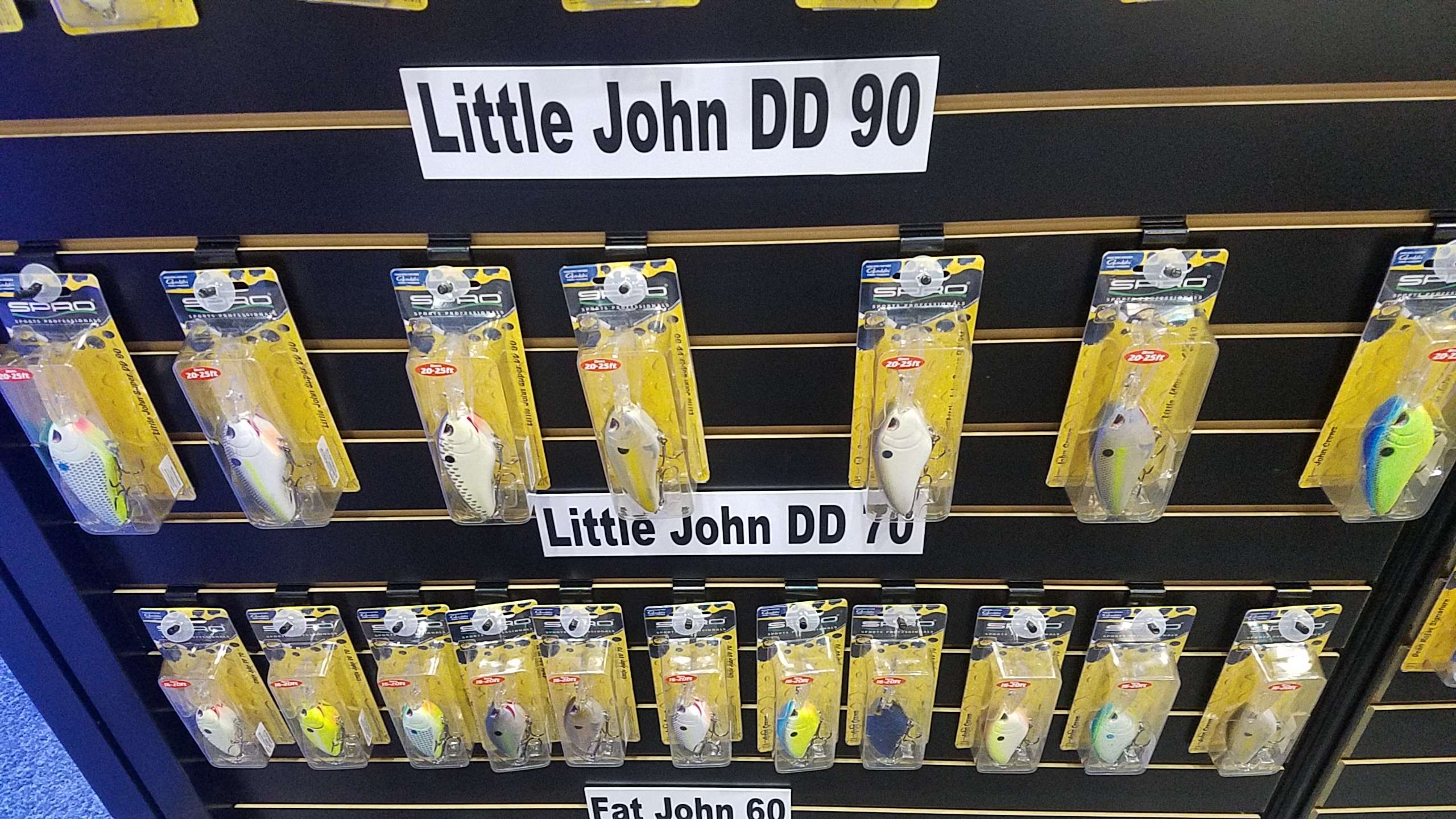
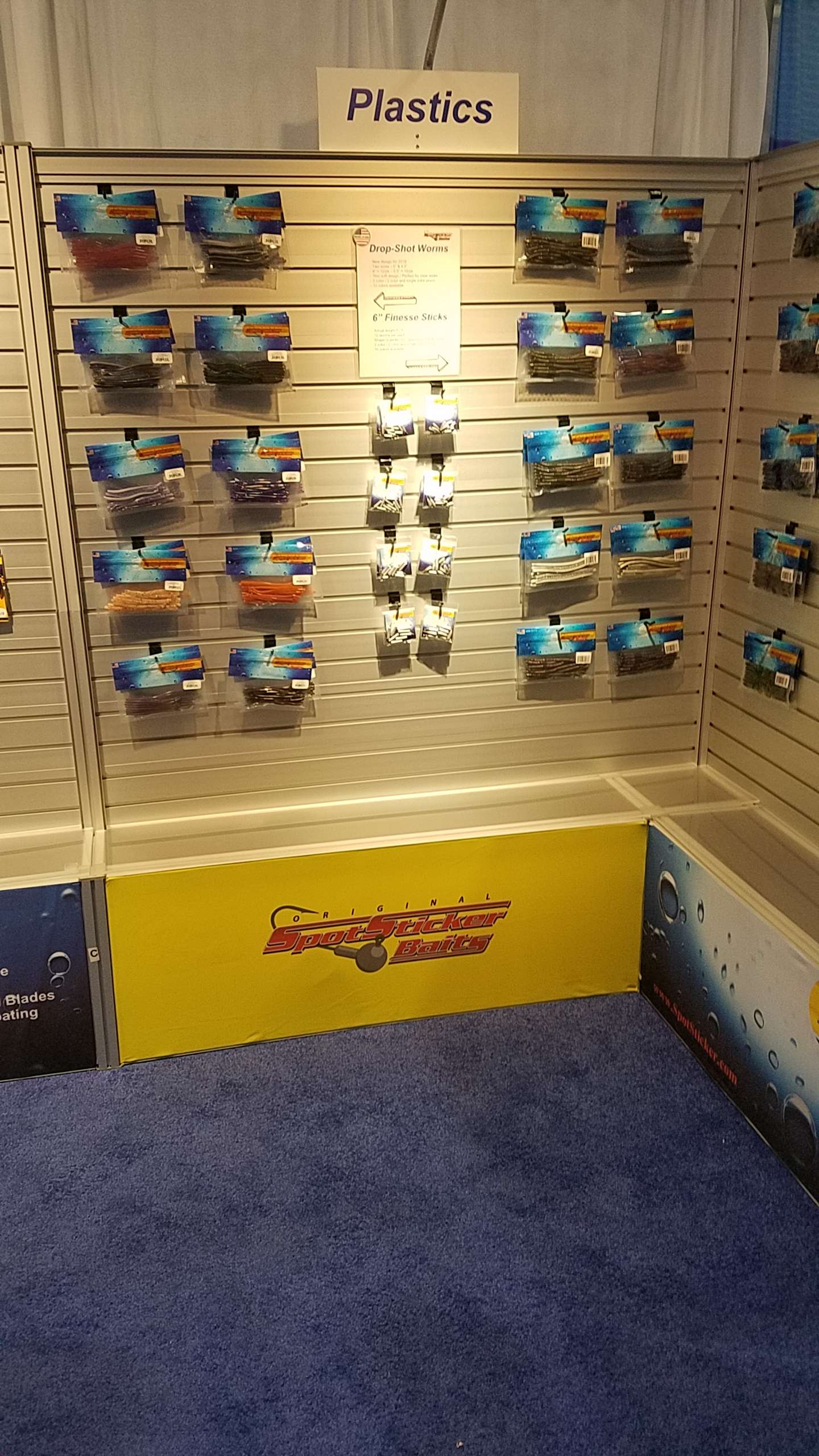
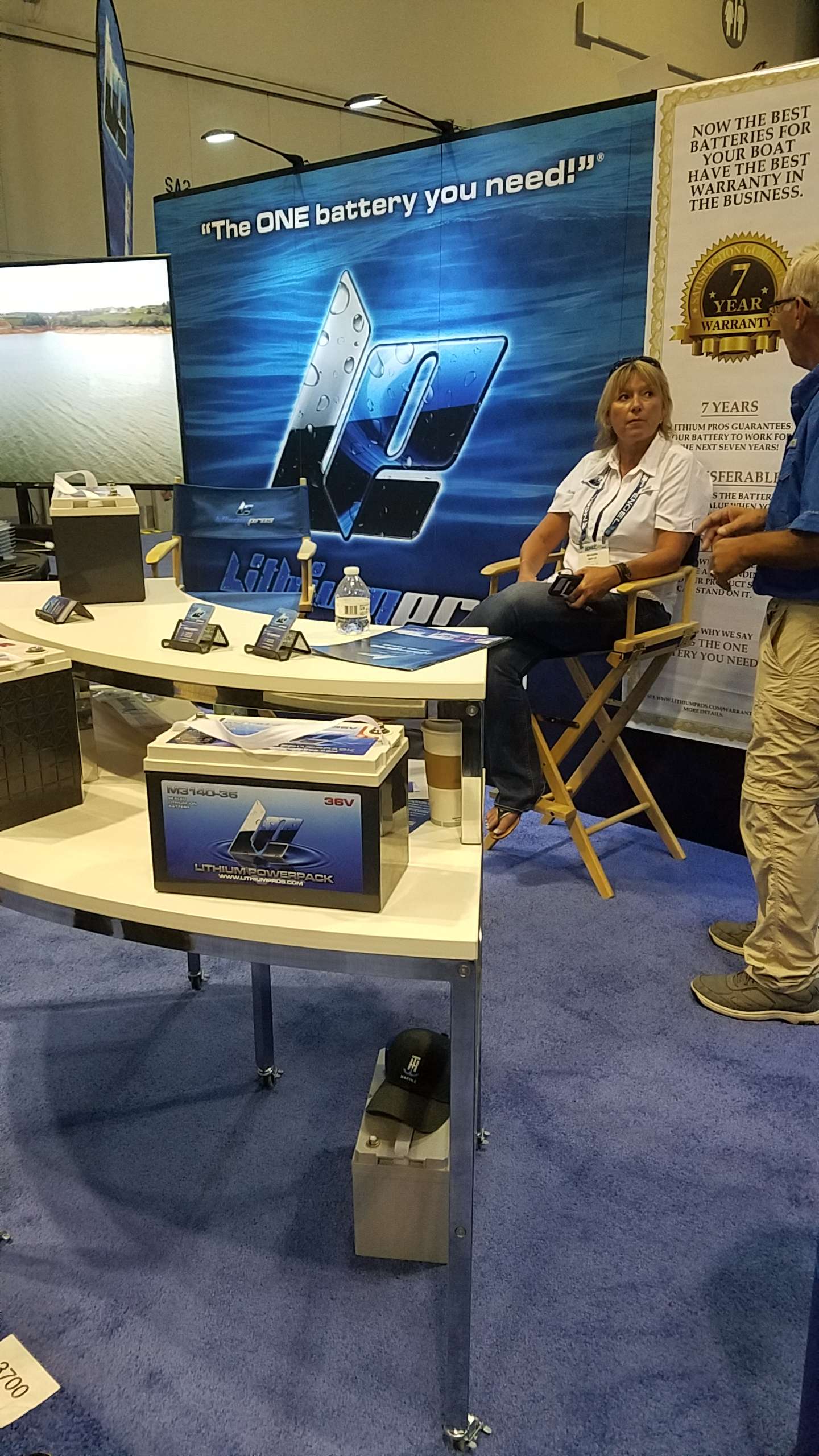
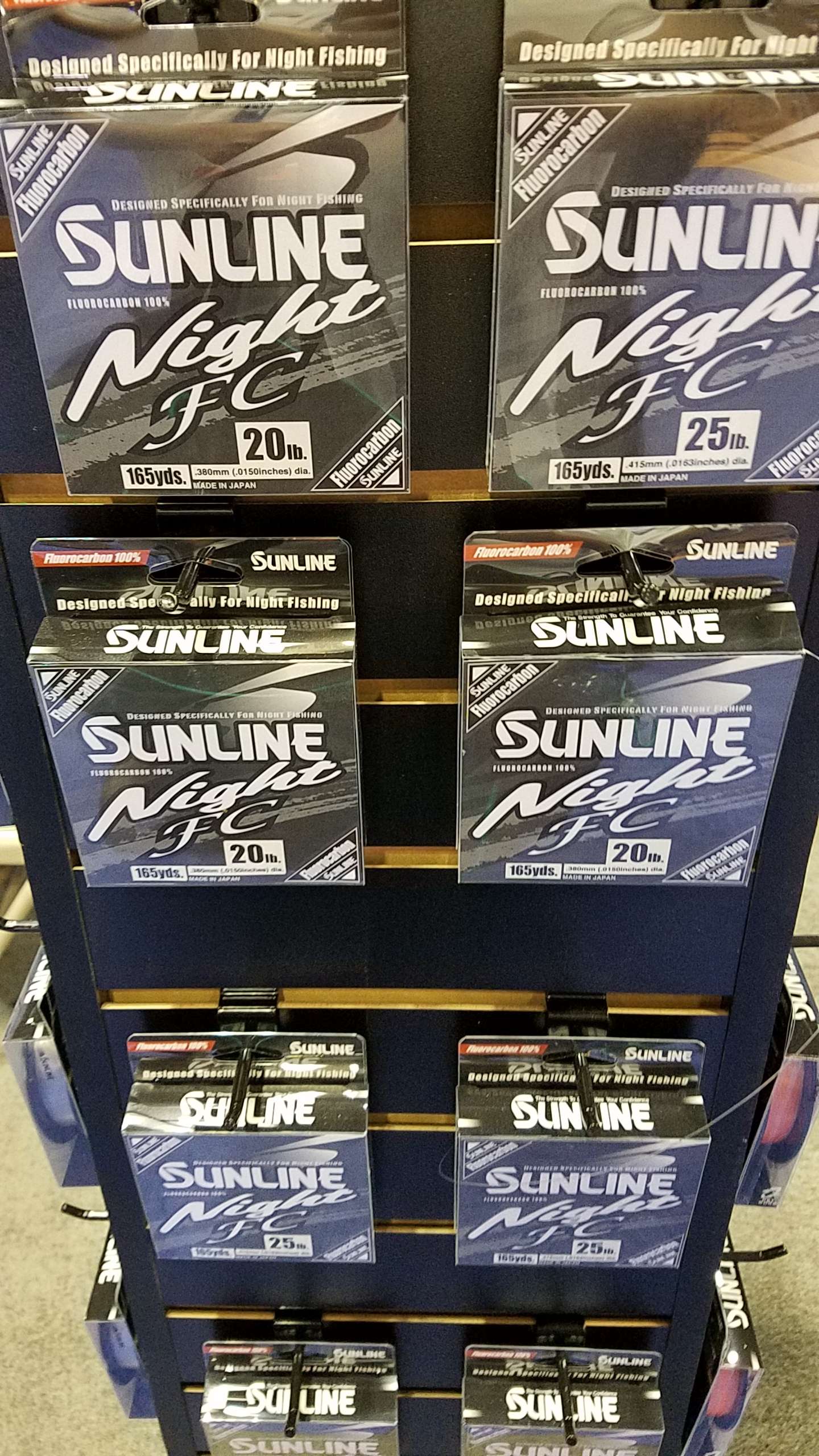
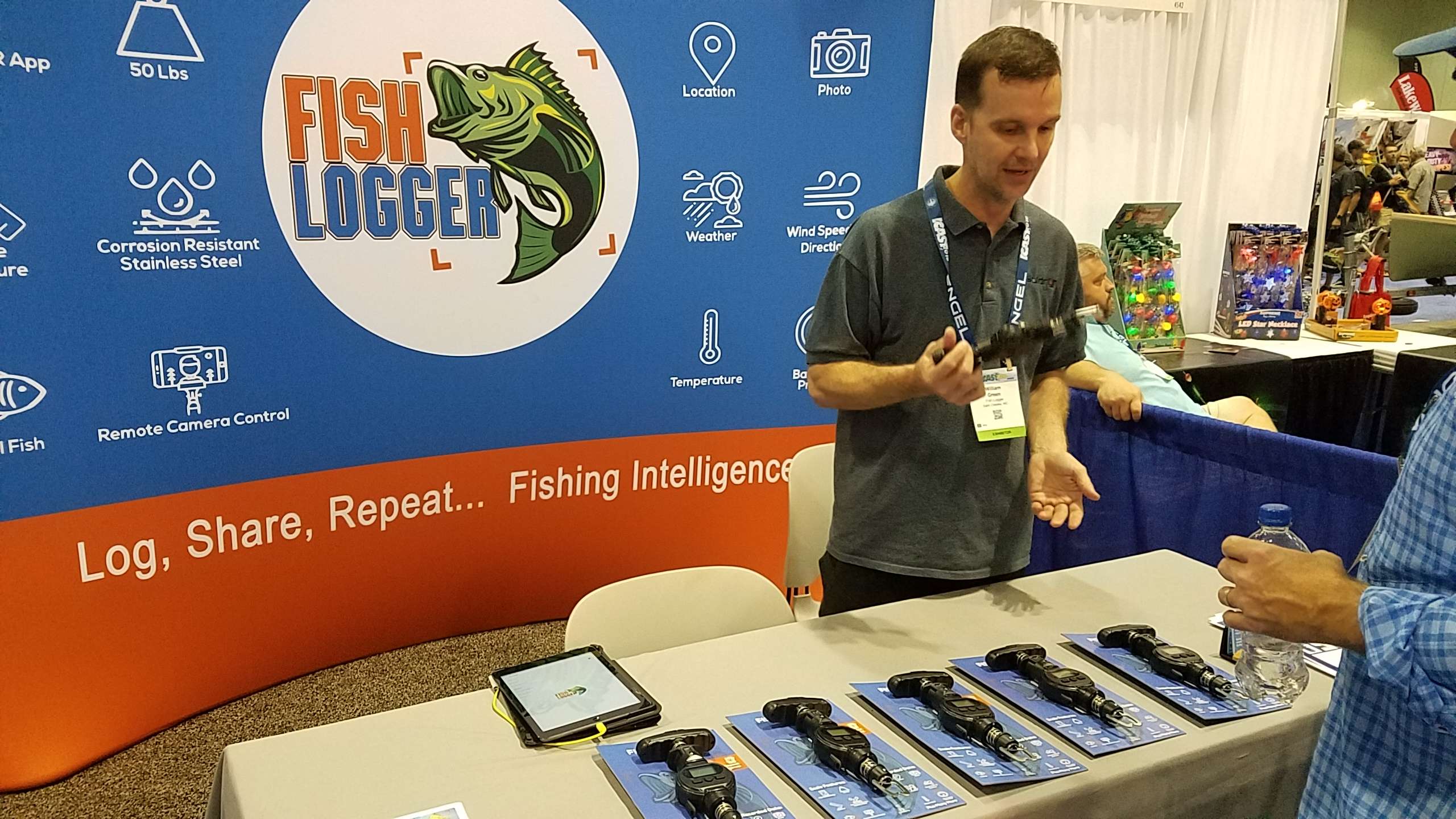
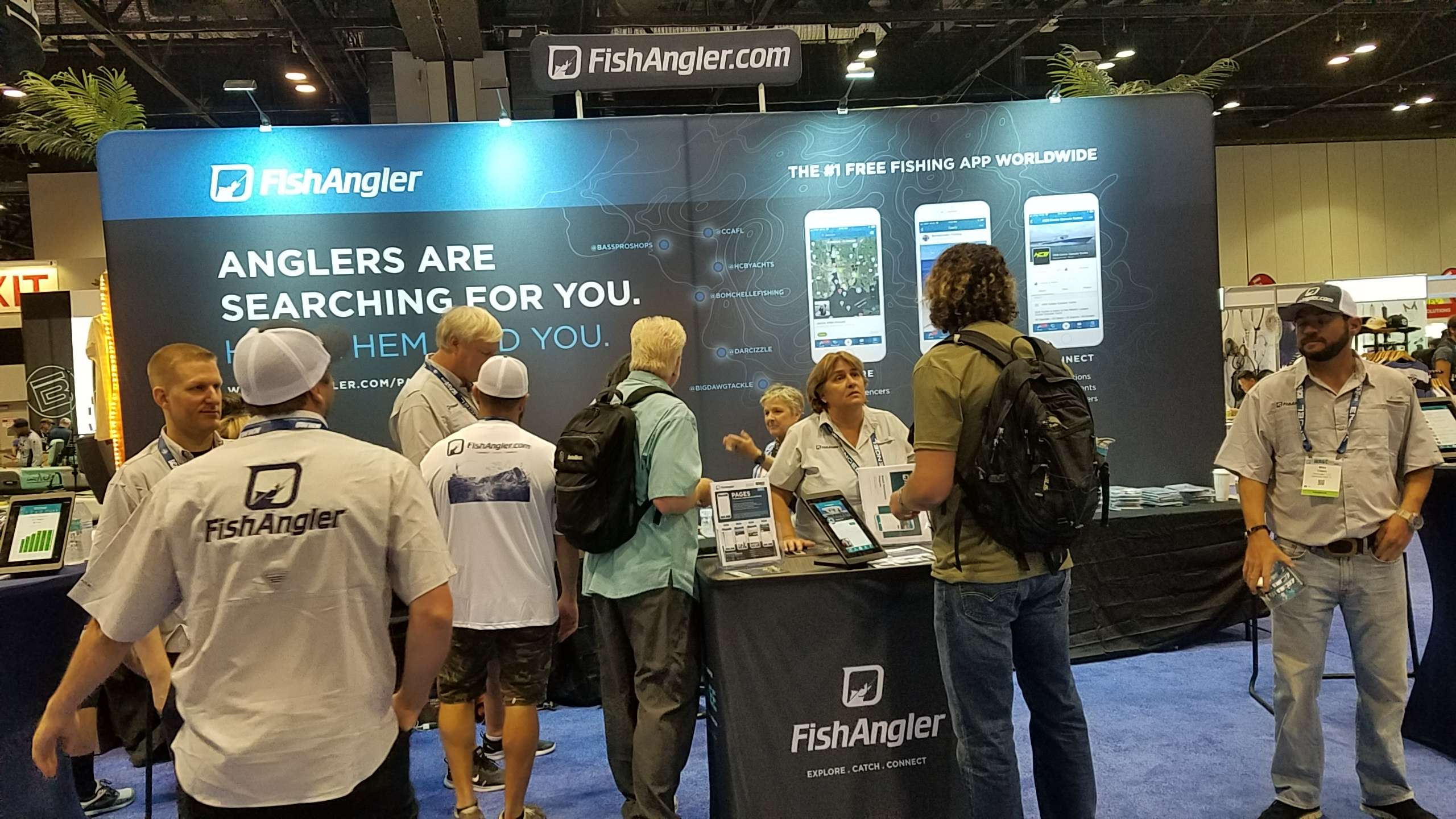
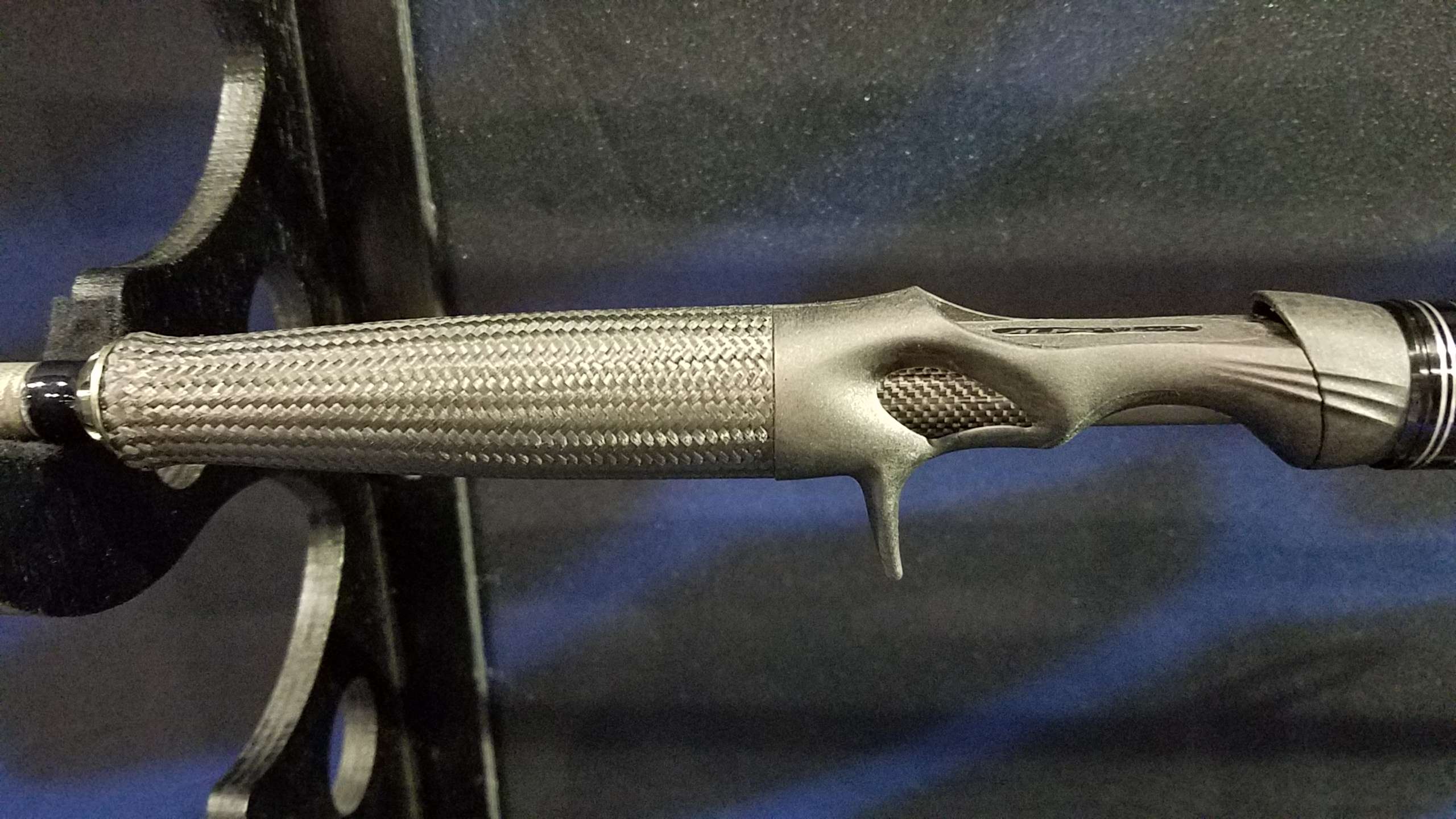
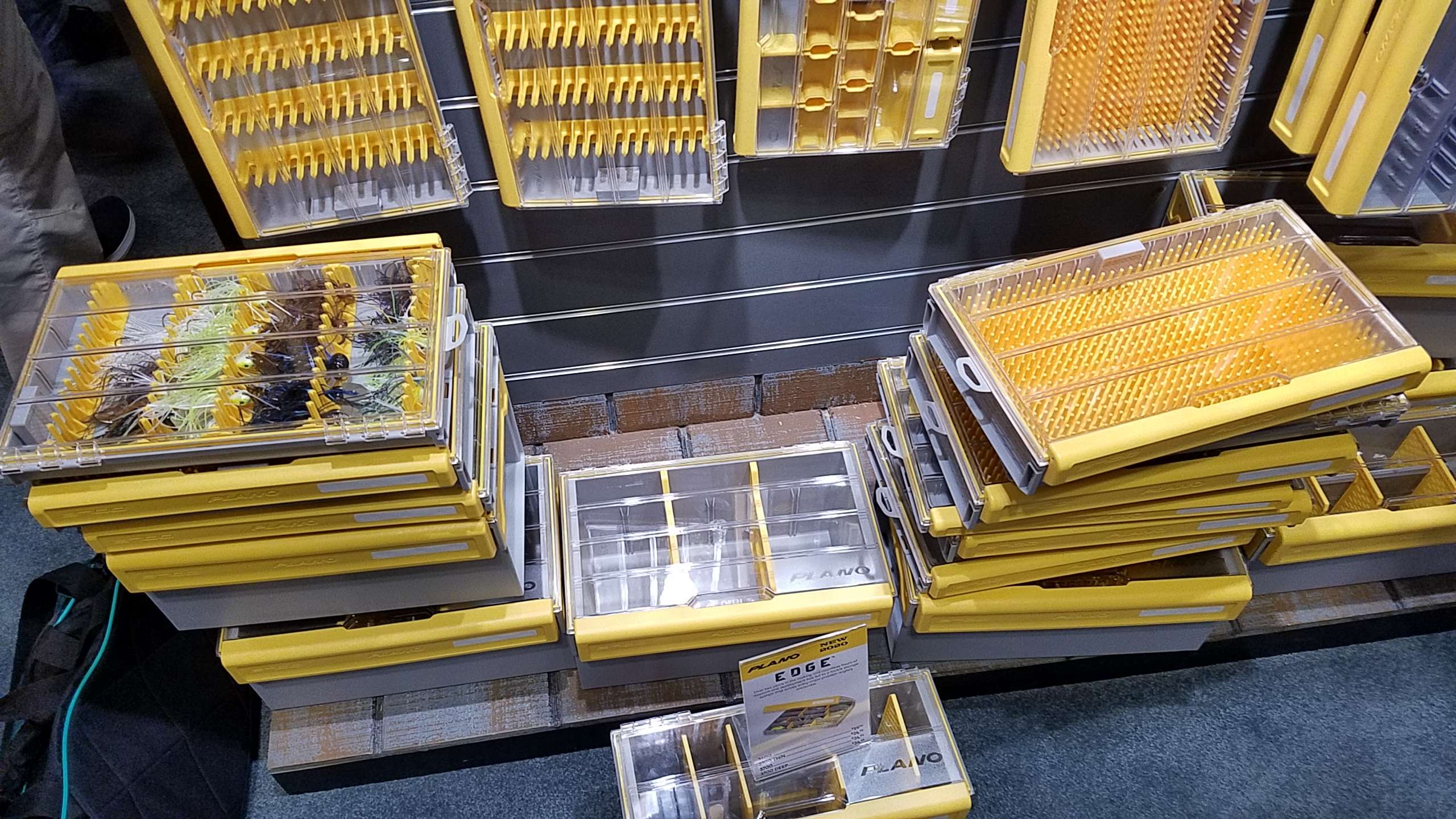
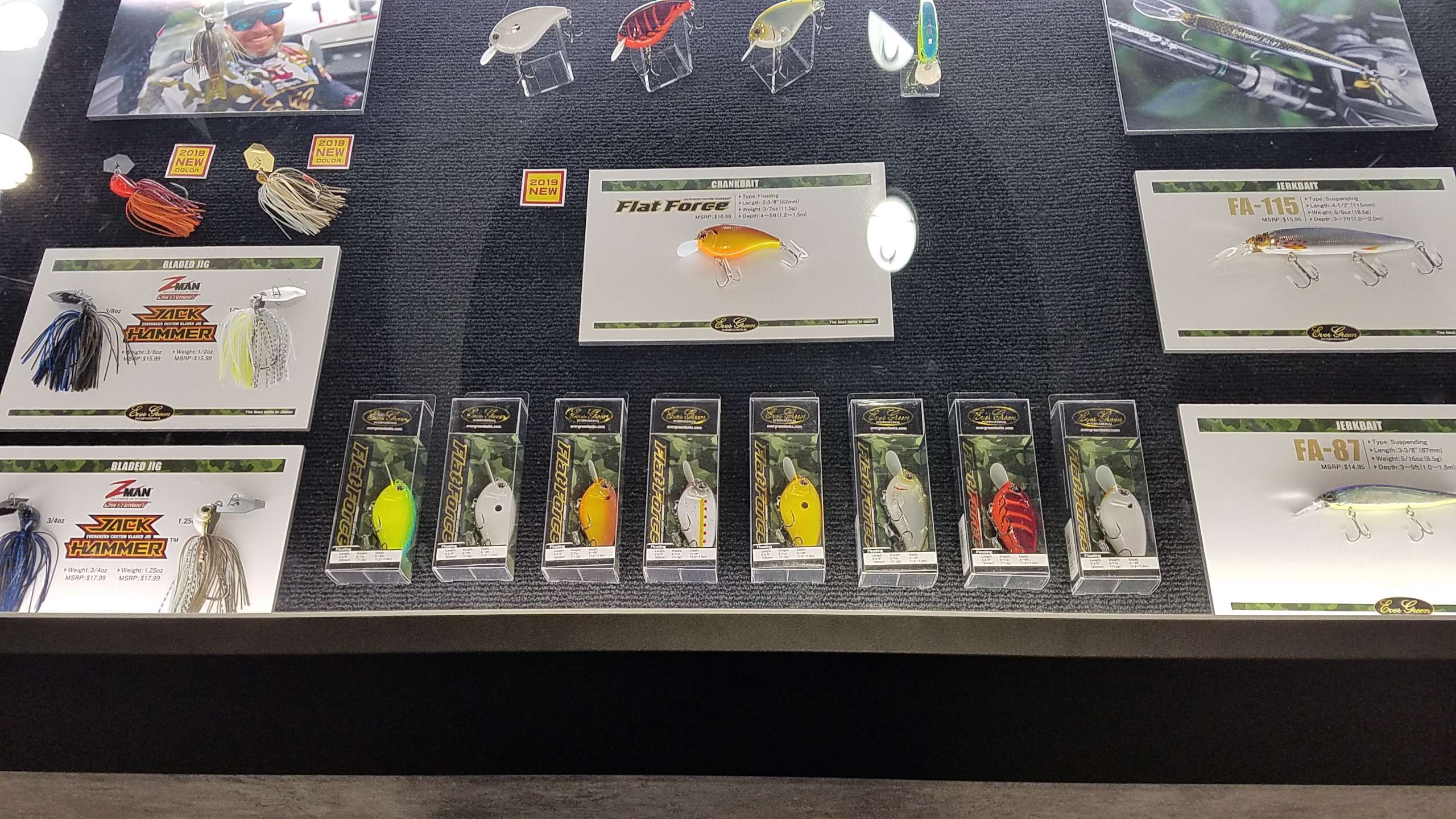
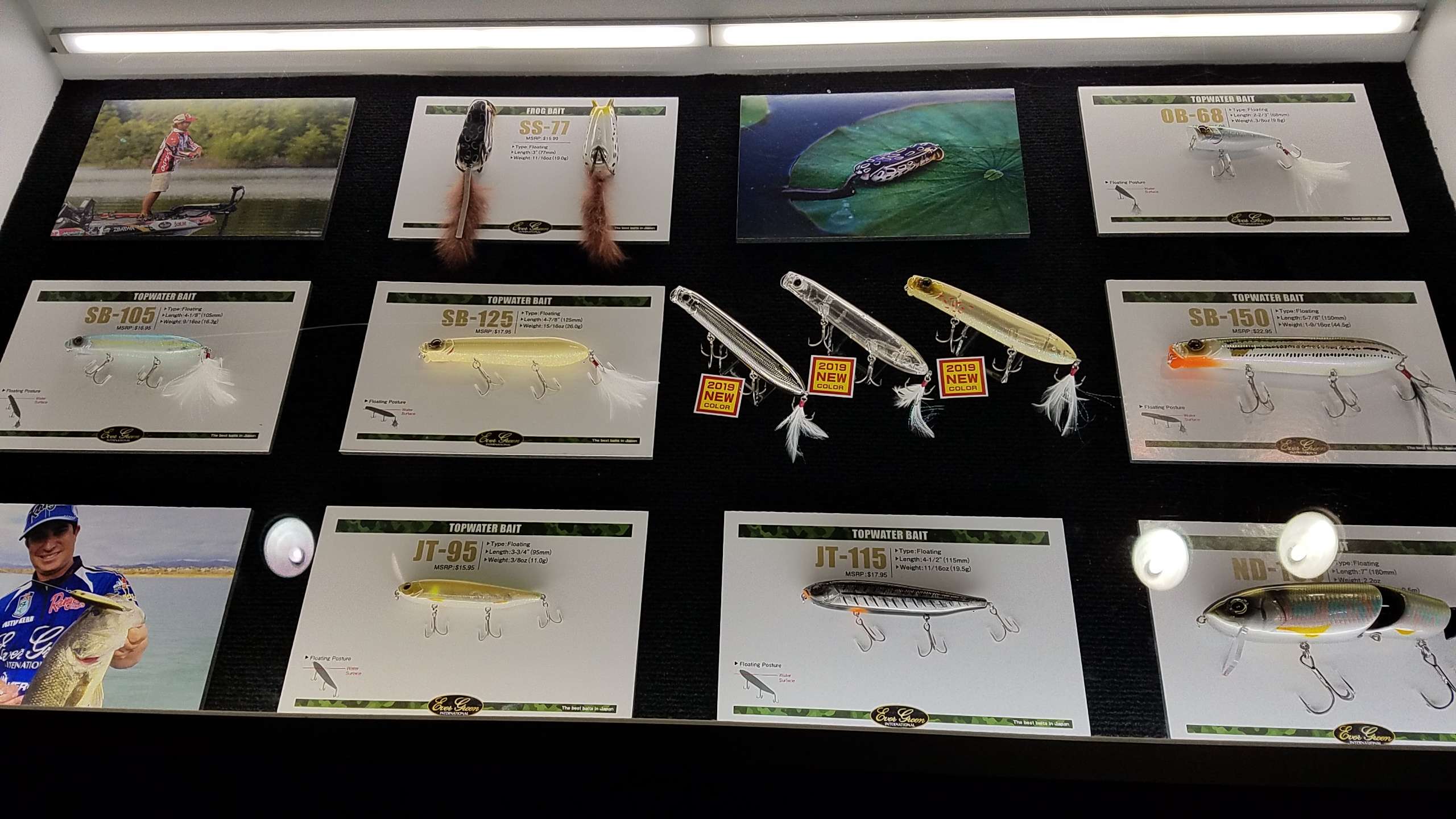
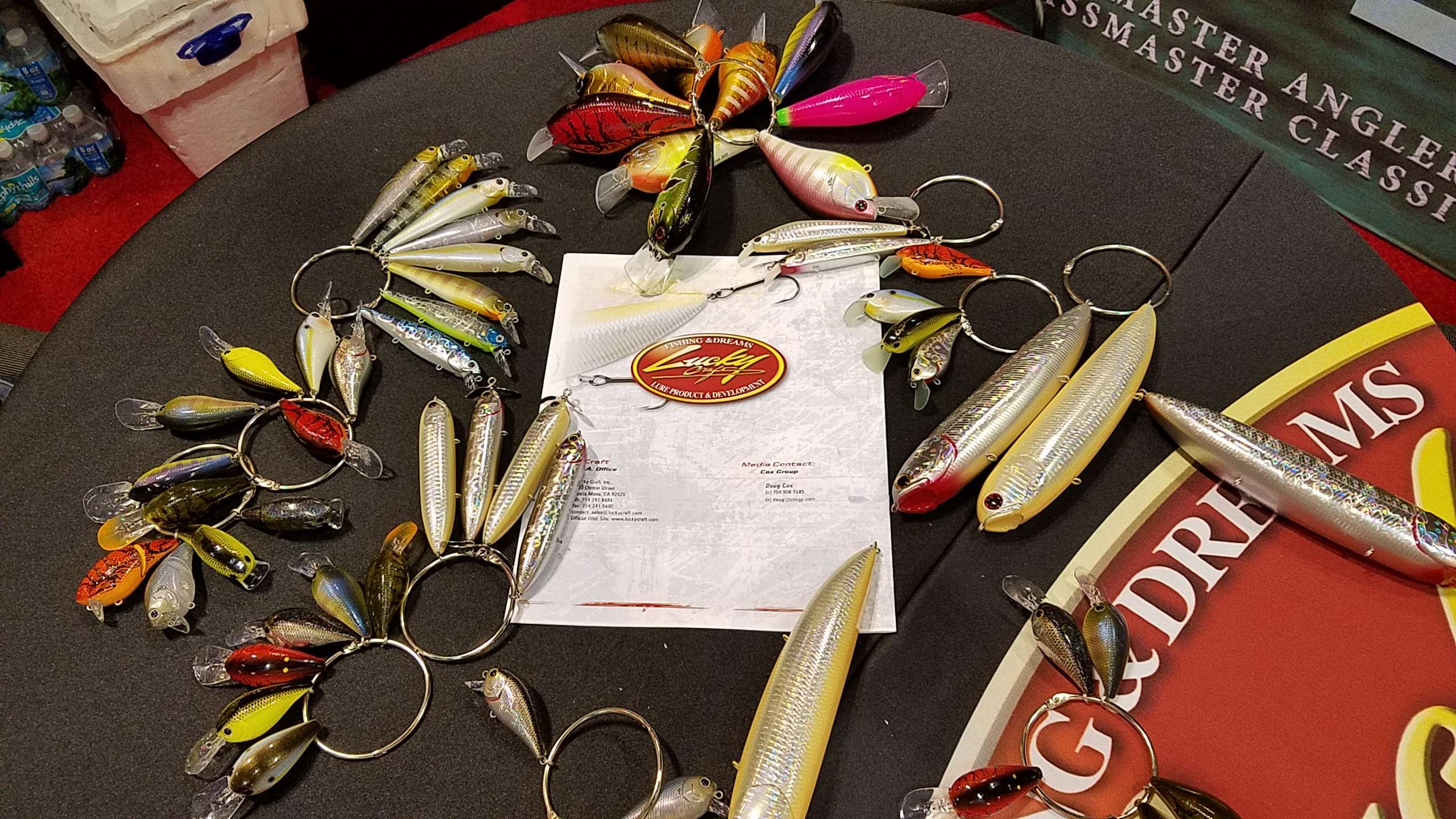
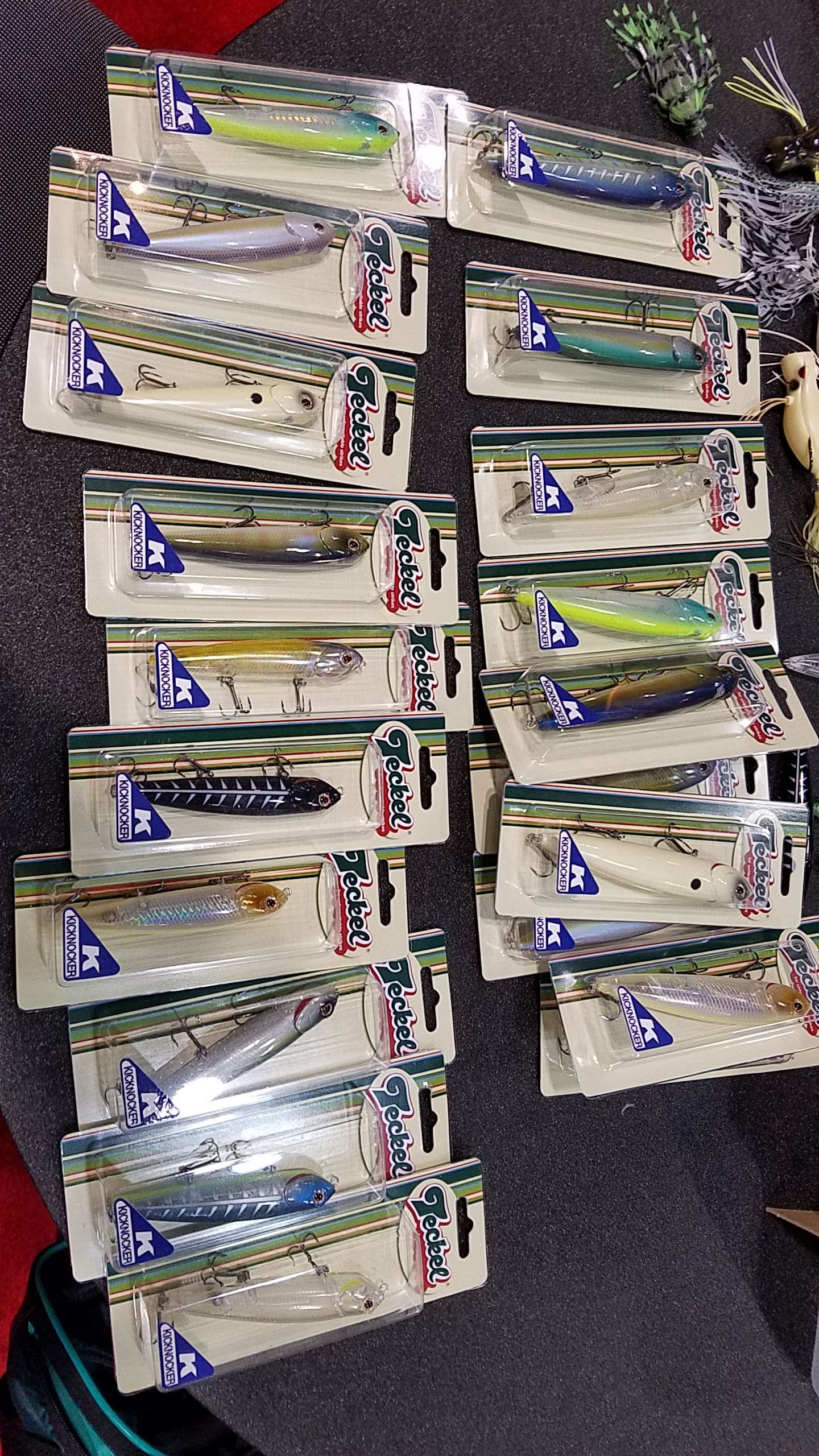
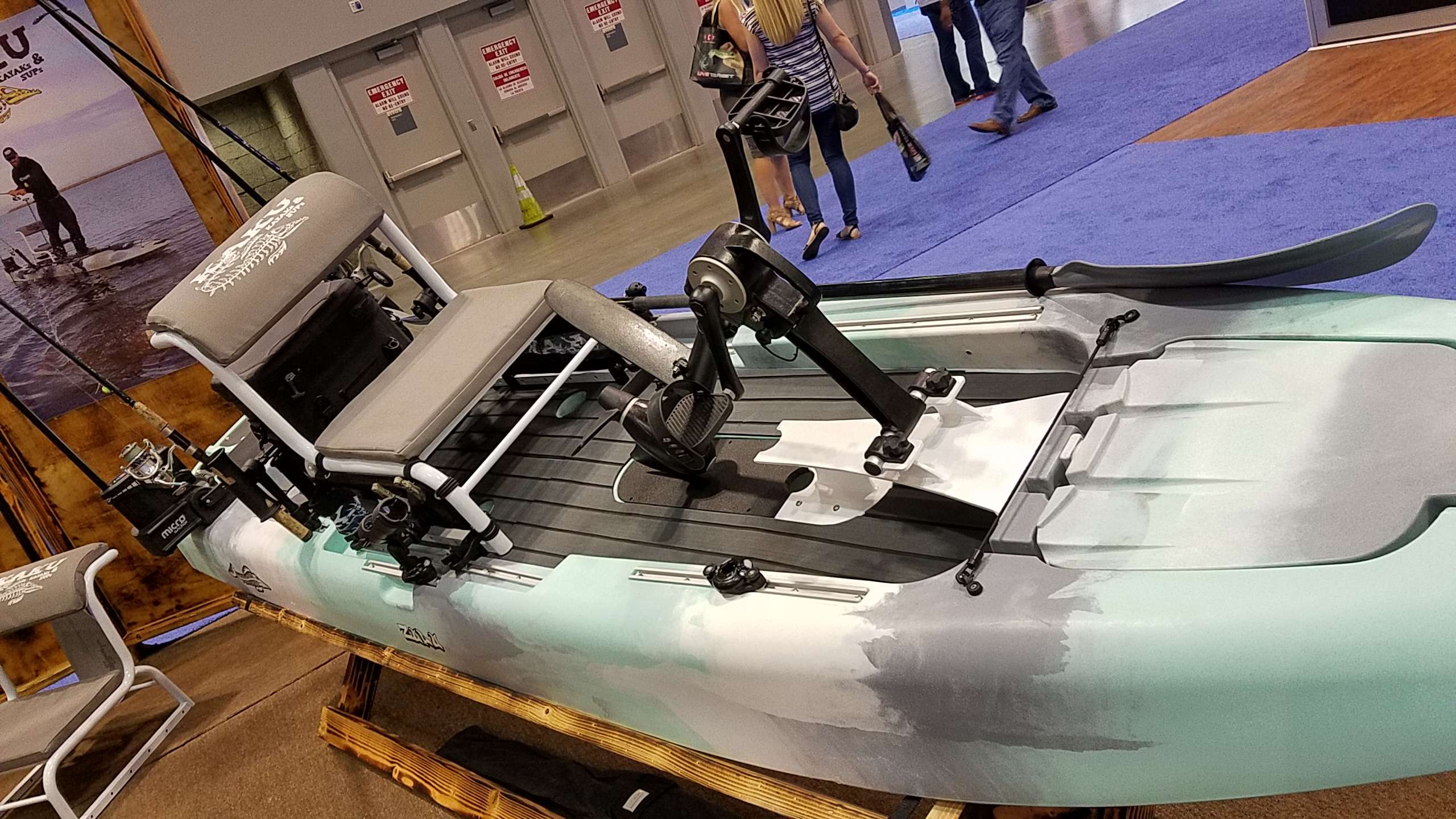
Ok guys, we're walking the floor posting pics of what we see. Here we go!
 Did you know there are NO entries for the Big Bass Junior Championship in 5 NorthEastern States? And there's only 1 month left to enter - meaning if your kid catches one fish, they're almost 100% guaranteed to be in the championship! They could win a boat, or one of many high-dollar scholarships, and more! Seriously folks, it's easy money. If you're in the NE, enter your kid now and he/she could win a $25k+ scholarship! https://www.bigbassjuniorchampionship.com/I asked him, and he didn't remember that. But he says he holds plastics up to the sunlight to see how translucent they are...how much color is in them, because "you need two shades of each color, one for bright sunlight, and the other when the clouds cover the sun. You can't use the same color for both and expect the same success. I always hold plastics up to the sun because that's the only way you can tell."Brand new video, just for you guys. Hope you like it.
Important Information
We have placed cookies on your device to help make this website better. You can adjust your cookie settings, otherwise we'll assume you're okay to continue.
Account
Navigation
Search
Configure browser push notifications
Chrome (Android)
- Tap the lock icon next to the address bar.
- Tap Permissions → Notifications.
- Adjust your preference.
Chrome (Desktop)
- Click the padlock icon in the address bar.
- Select Site settings.
- Find Notifications and adjust your preference.
Safari (iOS 16.4+)
- Ensure the site is installed via Add to Home Screen.
- Open Settings App → Notifications.
- Find your app name and adjust your preference.
Safari (macOS)
- Go to Safari → Preferences.
- Click the Websites tab.
- Select Notifications in the sidebar.
- Find this website and adjust your preference.
Edge (Android)
- Tap the lock icon next to the address bar.
- Tap Permissions.
- Find Notifications and adjust your preference.
Edge (Desktop)
- Click the padlock icon in the address bar.
- Click Permissions for this site.
- Find Notifications and adjust your preference.
Firefox (Android)
- Go to Settings → Site permissions.
- Tap Notifications.
- Find this site in the list and adjust your preference.
Firefox (Desktop)
- Open Firefox Settings.
- Search for Notifications.
- Find this site in the list and adjust your preference.