


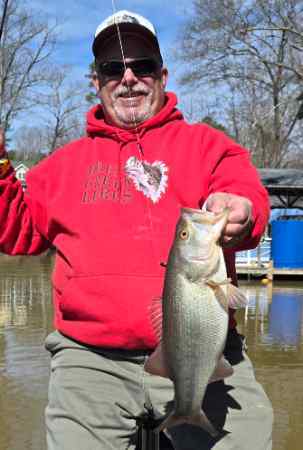
whitwolf
Super User
-
Joined
-
Last visited
Everything posted by whitwolf
-
-
Welcome!
-
Jig with a spicy beaver trailer.
-
Welcome from Morganton NC!
-
Welcome!X2
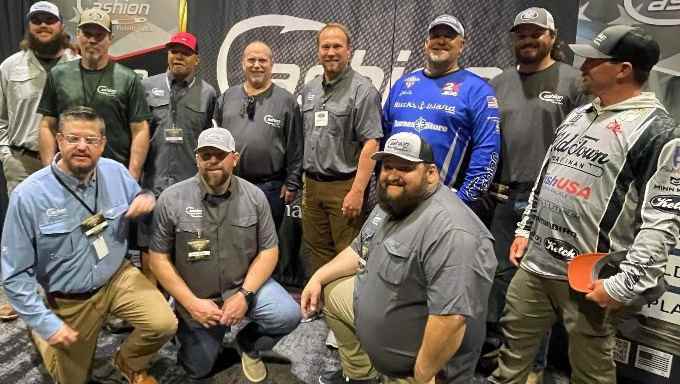
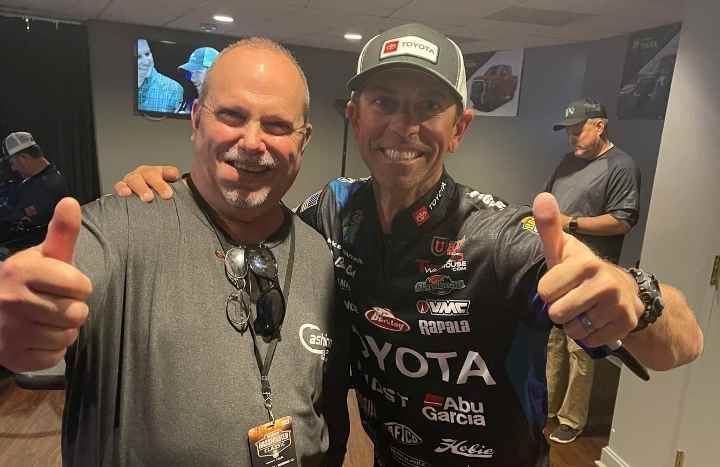
 Really great information! Thanks for sharing these!Myself and the Cashion crew. They are top notch folks! We lucked up when standing in line the guy behind us didn't want to wait an hour for the doors to open and gave me and my buddy suite tickets.
 More pictures later...
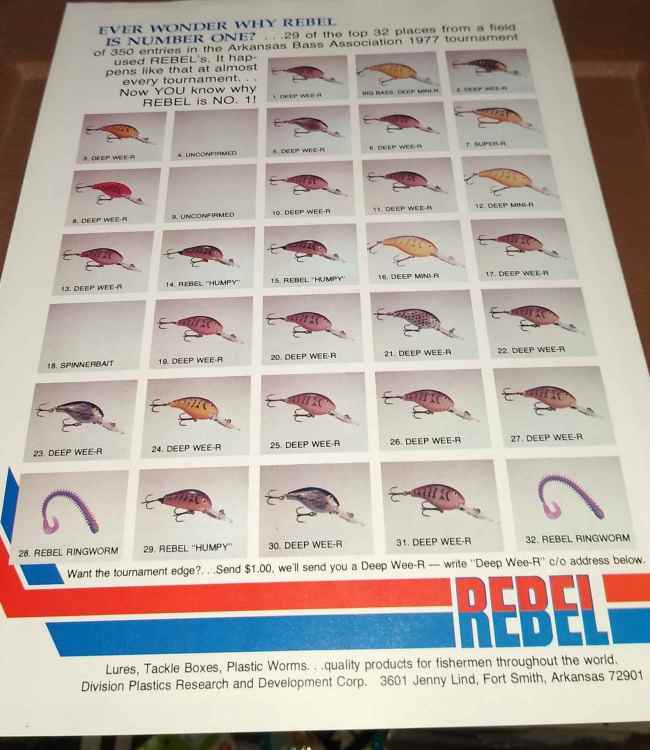
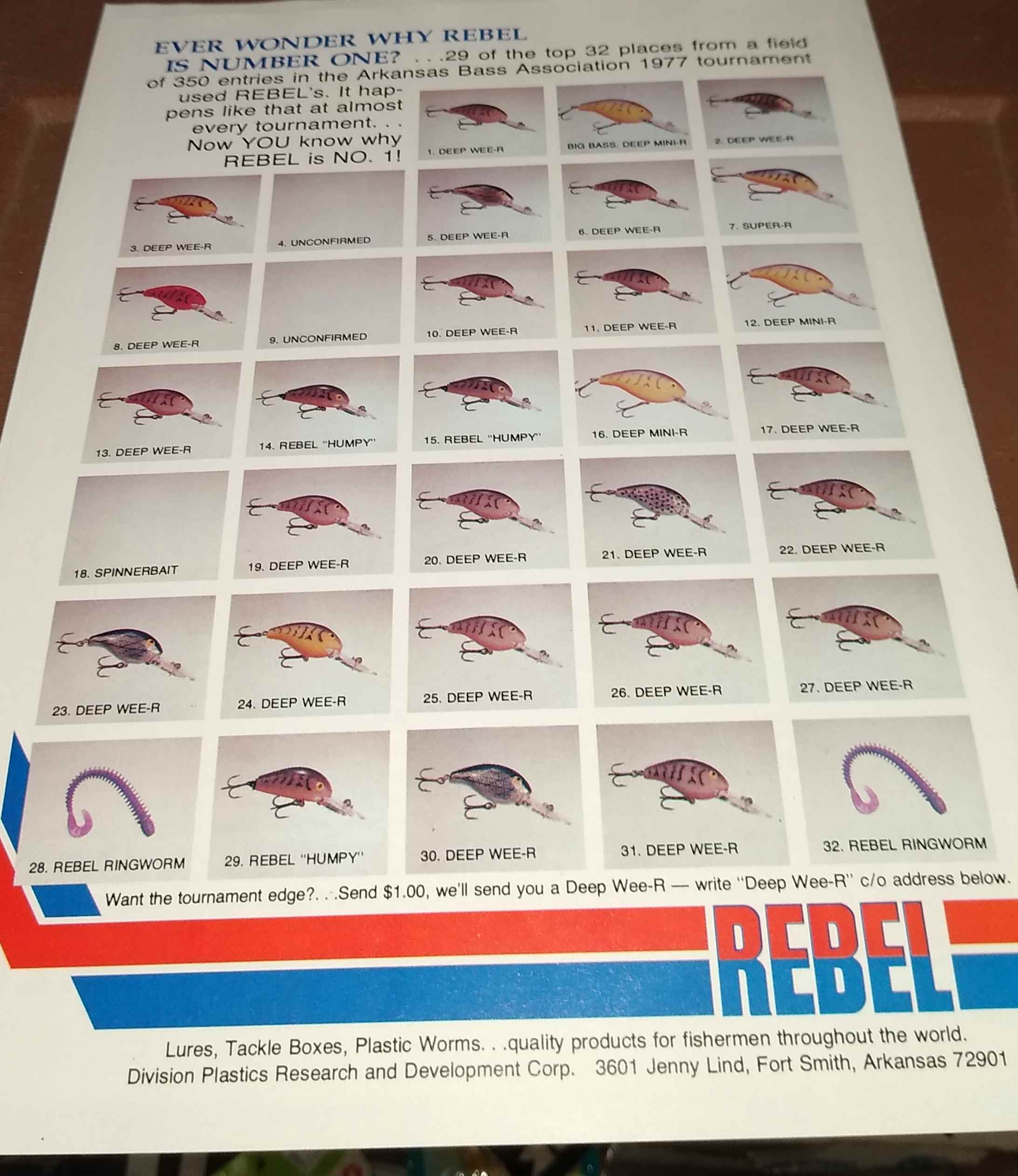
 Welcome!Welcome!@A-Jay @Catt @Dwight Hottle @Columbia Craw and like A-Jay the 5th spot could go to many, many, others. Pros. Bryan New Matt Arey K. J. Queen Jason Christe Jake WhitakerRebel wee r, Rebel deep wee r, and Big M flatsides.Welcome!Big M flatsides. I've used them for years.For me it's that feeling when launching; the excitement of expectation. The rest of the day whether I do well or not I will be forever grateful to be able to do something I love whenever, for the most part, I want. There are days/nights I sit at the helm for a few minutes and take stock in being blessed to do this. To clarify, of course I want to catch fish but if I ever lose that excitement while launching, the unbridled joy, then I will wonder if it's time.Outstanding! This is history and a glimpse into what goes into catching a once in a lifetime Bass. I, like @A-Jay, have copied this. This is another Sterling example of why this is the best Bass fishing site on the Internet! Thanks Tom!For years I fished Shimano and Berkley. I tried a Cashion on the recommendation from a friend. I was Highly impressed and bought another. And another...lol I plan to phase out all the Shimanos(quality issues) and go with Cashion.


Important Information
We have placed cookies on your device to help make this website better. You can adjust your cookie settings, otherwise we'll assume you're okay to continue.